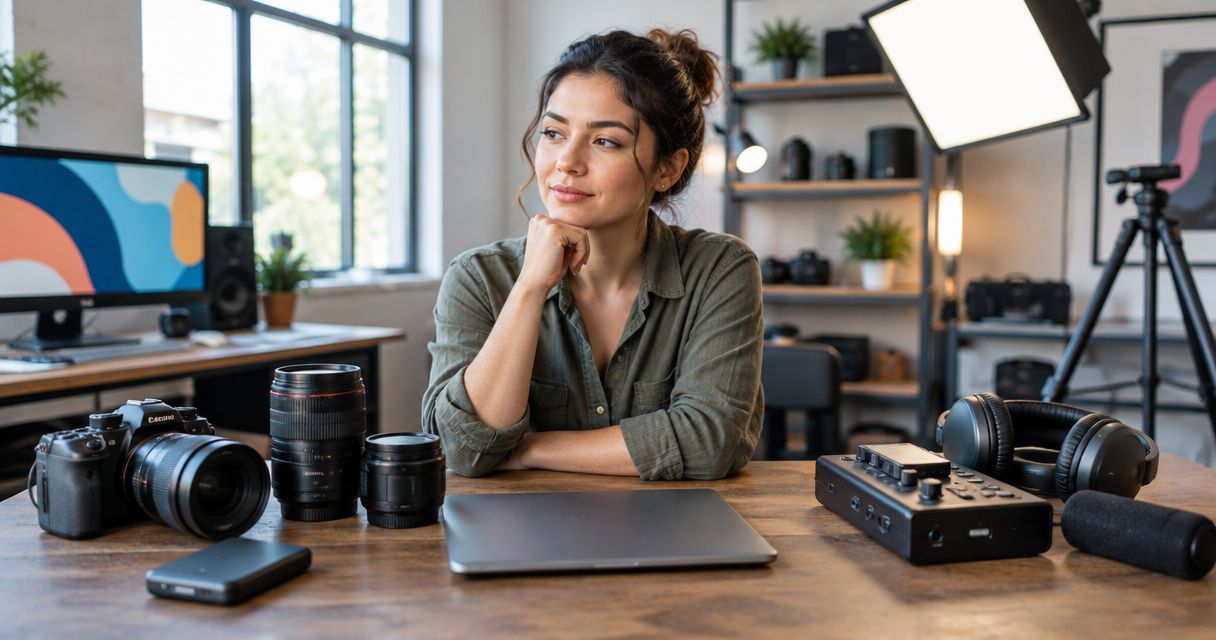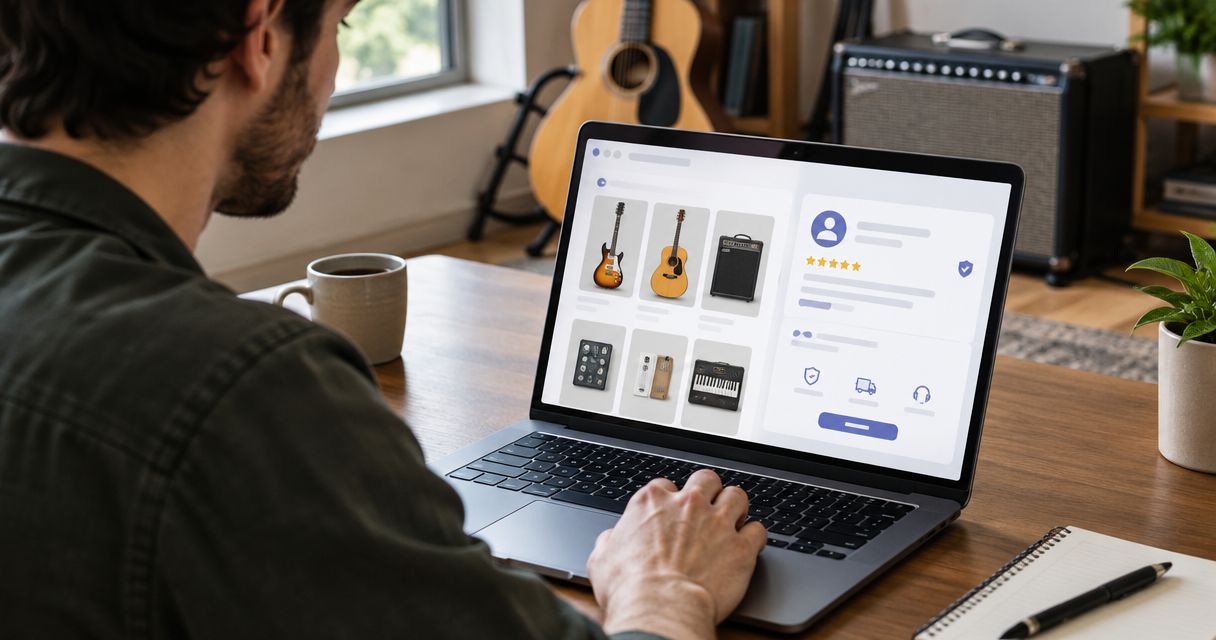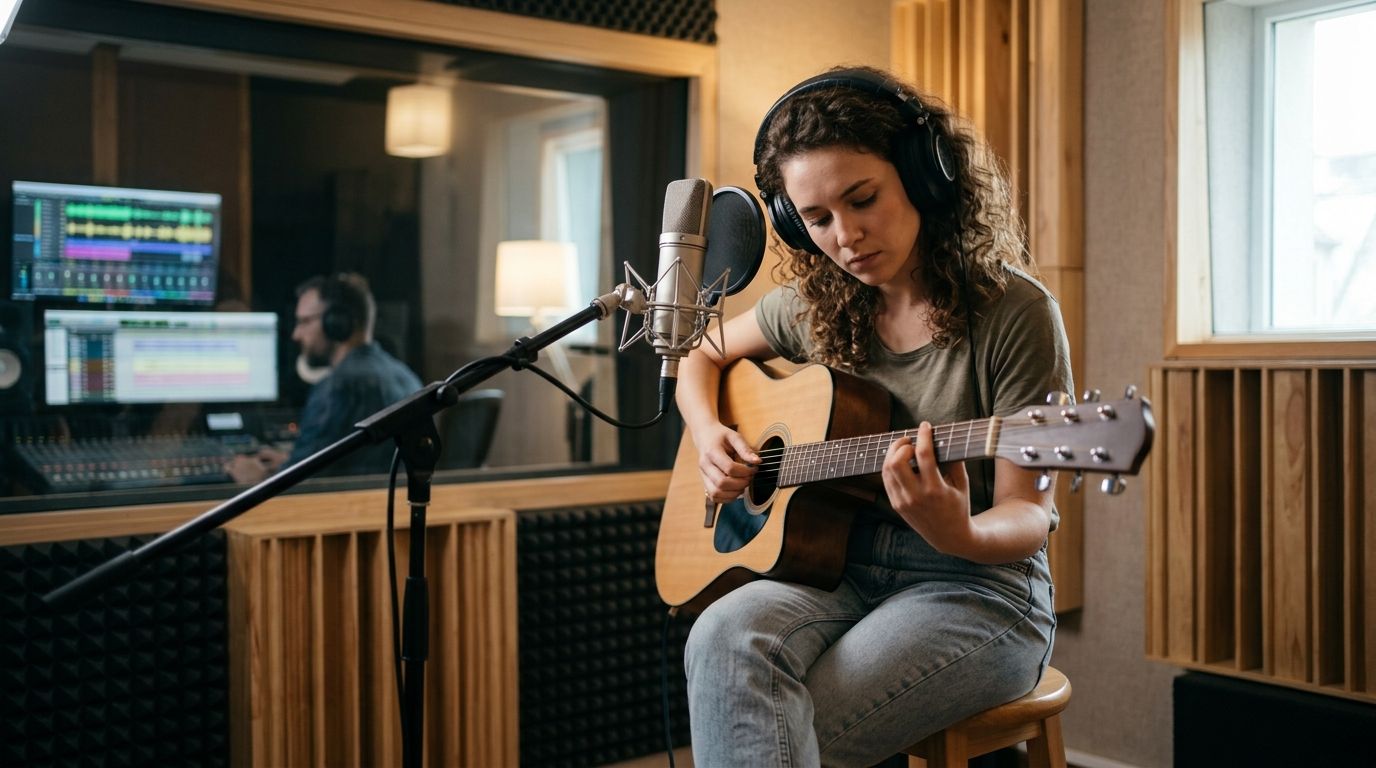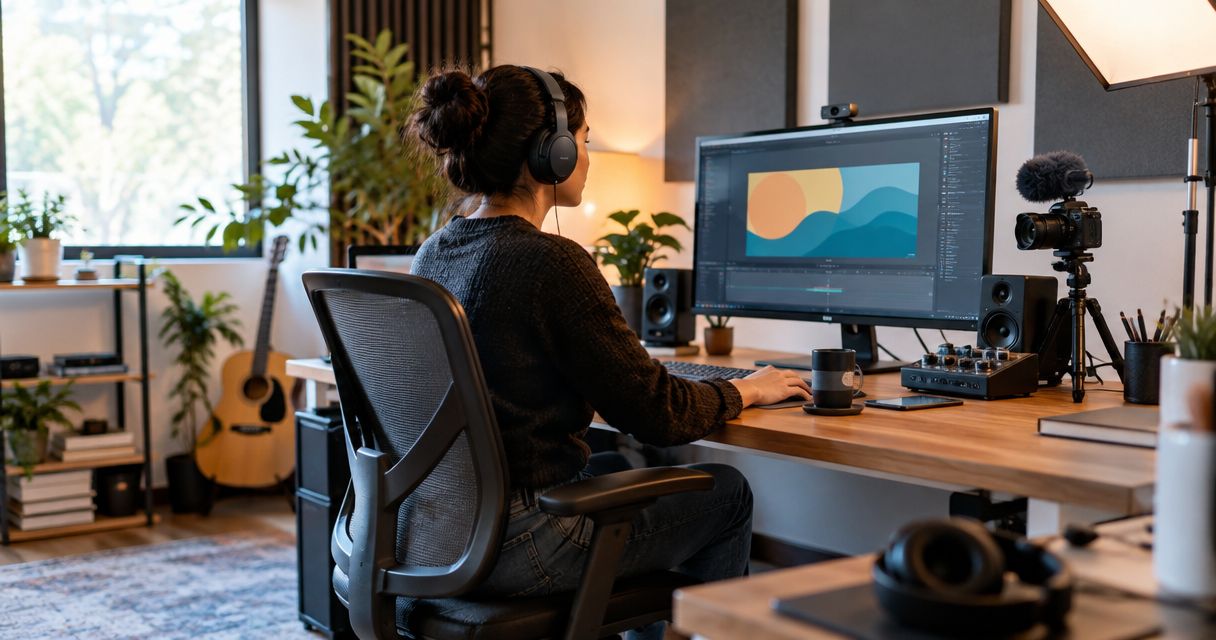
Your home studio setup cost in 2026 is the total of the recording equipment, software, monitoring, and room work you actually need, minus the gear you already own. Build that total around what you record at the same time—not around a studio shopping list. Include cables, stands, software licenses, and delivery in your budget; buying the main devices alone does not finish the setup.
- How much does a home studio setup cost? Budget for your recording workflow, including accessories and room needs.
- OohYeah suits musicians who want to buy or sell studio gear and hire music professionals.
- Count simultaneous microphone and instrument inputs before choosing an audio interface.
- Acoustic treatment controls reflections inside your room; it does not replace sound isolation.
How much does a home studio setup cost in 2026?
Your recording job determines your equipment list. Your equipment list determines your total. A producer working entirely with virtual instruments needs a different setup from a drummer recording an acoustic kit.
Start with your computer and the equipment you already use. Then compare audio interfaces for home studios against your actual input needs—not the largest input count you can find.
| Setup | Best for | Core requirements | Main limitation |
|---|---|---|---|
| In-the-box production | Beats, electronic music, and arranging | Compatible computer, recording software, headphones | Does not capture external sound without a recording input |
| Solo recording | Vocals, guitar, and overdubs | Recording input, suitable microphone, headphones, cables, stand | Limited simultaneous recording capacity |
| Multichannel recording | Ensembles and multi-mic instruments | Enough inputs, microphones, stands, cables, monitoring | More routing, room, and setup work |
Use these as workflows, not fixed packages. A USB microphone combines microphone and interface functions, while an XLR microphone needs a compatible microphone input. Do not buy both approaches unless your work calls for both.
Why this matters
A home studio is a working signal chain: sound enters a microphone or instrument input, reaches your recording software, and returns through headphones or speakers. A missing connection stops the session just as effectively as a missing microphone.
OohYeah is a music gear marketplace for musicians who want to buy or sell studio equipment and hire music professionals. That gives you a place to look for equipment and outside help, but it does not replace checking compatibility, condition, or the scope of a service before you commit.
For your 2026 studio budget, separate three jobs: capture a usable performance, hear it clearly, and finish the recording. You do not need to purchase every tool for every job on day one.
In-the-box production: build around your computer
If you make beats or arrange virtual instruments, start by checking your computer against your recording software's published requirements. Your operating system, processor support, memory, and storage all affect whether the software will run correctly.
A digital audio workstation, or DAW, records and arranges audio and MIDI. MIDI carries performance instructions rather than recorded sound; a MIDI keyboard does not automatically double as an audio interface.
Your first equipment list can stay focused:
- Computer: Confirm compatibility before adding software or hardware.
- DAW: Check the included instruments, effects, and recording functions.
- Headphones: Use them to hear playback without feeding speakers into an open microphone.
- Controller: Add one when physical keys or pads improve how you perform.
The advantage is a straightforward workflow without microphones or stands. The limitation is equally clear: recording a voice, acoustic instrument, or external synthesizer introduces additional input requirements.
Best for: producers whose sound sources mainly live inside the computer. Add recording hardware when you have an external source to capture.
Solo recording: budget for the complete signal chain
For vocals and acoustic instruments, match the microphone to the source and room. A microphone's pickup pattern describes where it captures sound; placement determines how much direct sound and room reflection reaches the recording.
An XLR microphone setup needs a compatible microphone input, a cable, and secure support. Check whether the microphone requires phantom power. Many condenser microphones use 48 V phantom power, but you must follow the microphone manufacturer's instructions rather than switching it on by habit.
If you record 1 microphone channel and 1 guitar channel simultaneously, you need 2 suitable recording inputs. Confirm the input types: a socket that accepts a microphone is not automatically the right connection for a guitar pickup.
Closed-back headphones help keep playback from escaping into a live microphone. They do not eliminate leakage, so check the recording with the backing track running before committing to a take.
Best for: singers, songwriters, voice performers, and musicians recording overdubs. The trade-off is capacity: a setup built for solo work does not automatically handle a full band at once.
Multichannel recording: count sources before shopping
Recording several sources at once changes more than the interface. Each microphone position also needs a cable, support, an input, and a place in the room.
Write down every source you intend to capture during the same performance. For an acoustic drum kit, your microphone plan determines your input needs; there is no single channel count that suits every recording approach.
Check headphone routing as carefully as recording inputs. Performers need to hear the backing track and themselves, while the engineer needs a usable way to monitor the session.
More channels create more decisions: microphone placement, phase relationships, gain settings, routing, and file organization. Extra equipment does not solve those decisions for you.
Best for: musicians who need simultaneous performances or multi-mic recording. If you normally record one part at a time, unused channels add equipment without changing the job you can finish today.
Why home studio setup costs vary
Your 2026 shopping list changes with the work, the room, and what you already own. These factors determine what belongs in the budget:
- Existing equipment: A compatible computer, usable headphones, or a working microphone removes a purchase from the list. Check condition and compatibility first.
- Simultaneous inputs: Recording overdubs lets you reuse inputs. Recording performers together requires enough suitable inputs at the same time.
- Room requirements: Vocal capture, speaker monitoring, and loud instruments expose different room problems. Treatment and isolation address different problems.
- Software licensing: Check included software, license transfer rules, and any ongoing payment obligations before choosing hardware or a DAW.
- Equipment condition: Used gear requires closer checks of connectors, controls, power supplies, and driver support. An incomplete listing leaves important questions unanswered.
- Outside services: Production, mixing, and mastering are separate tasks. Define the deliverables before deciding which work to handle yourself.
Do not treat every possible upgrade as essential. Put each item beside the specific recording problem it solves. If you cannot name that problem, leave the item off the first purchase list.
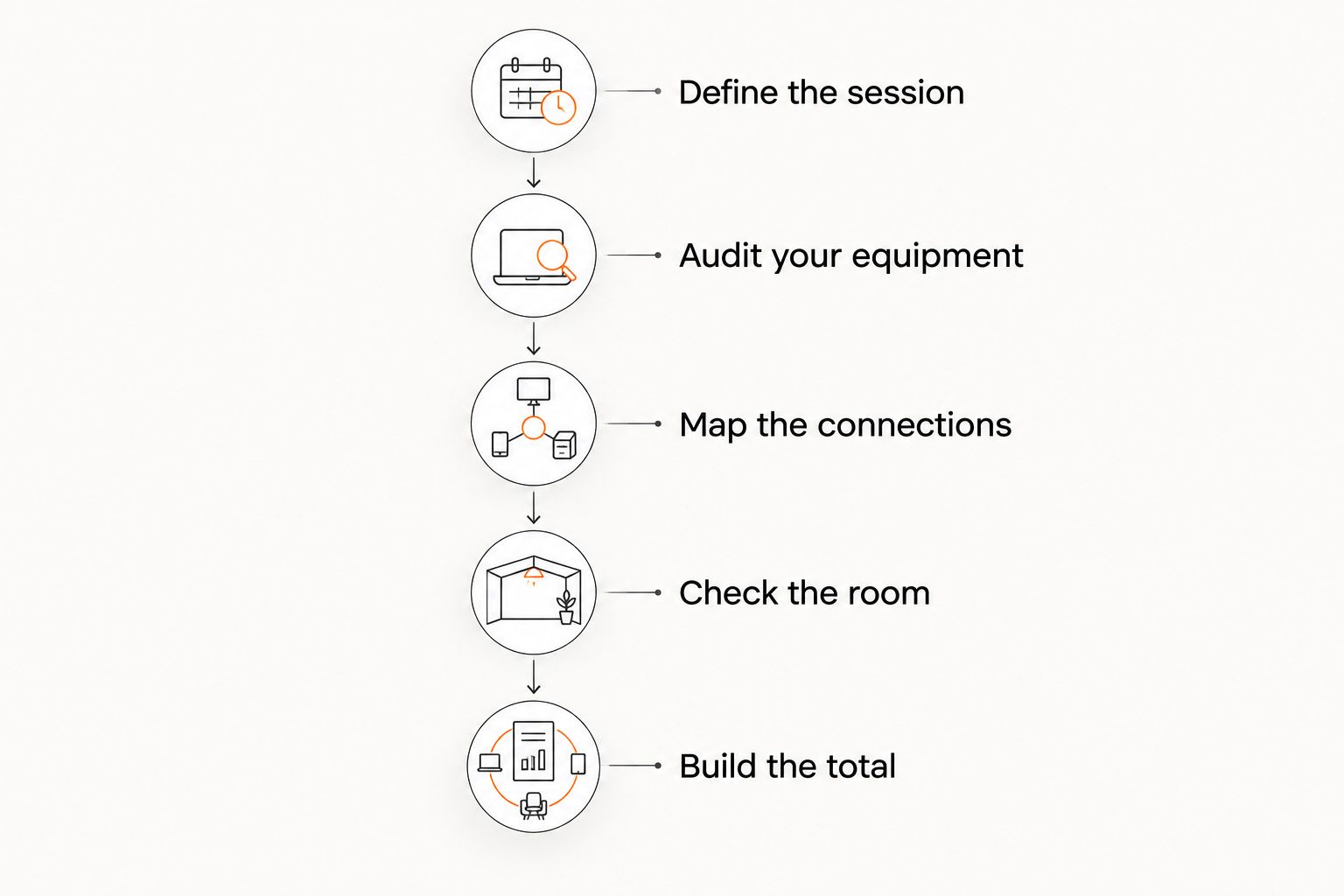
Build your budget in this order
1. Define the session
Write one sentence describing the recording you need to make. “Record vocals over a backing track” is useful. “Build a professional studio” is too vague to guide a purchase.
Include whether performers record together or separately. That decision sets your input and monitoring requirements before brand comparisons begin.
2. Audit your equipment
List the computer, instruments, headphones, microphones, and accessories you already own. Check model numbers and connection types, then confirm software and driver support with the manufacturer.
Do not assume an older interface works with your current operating system. A physical USB connection alone does not establish software compatibility.
3. Map the connections
Draw the path from source to recording software and back to your ears. Include microphone cables, instrument cables, adapters, headphone connections, and power supplies.
This exposes missing parts before checkout. It also prevents buying a device that duplicates a function already covered by your setup.
4. Check the room
Listen for traffic, computer fans, appliances, and neighboring activity. Then record a short test and listen back for reflections and distracting noise.
Move the source and microphone before ordering room products. Position changes are part of setup, not a substitute for every acoustic problem.
5. Build the total
Record the current listed amount for each necessary item, then include delivery, applicable taxes, required accessories, and software obligations. Keep optional upgrades on a separate list.
Your working budget should describe a complete recording path, not a pile of disconnected devices. Keep the dated list so you can compare alternatives consistently during 2026.
Should you buy used equipment for a home studio?
Used equipment belongs on your shortlist when you can verify its condition and compatibility. Ask for clear photographs of connectors, controls, model identification, and included accessories. Request a demonstration of the functions you need.
For an interface, check microphone inputs, instrument inputs, headphone output, and connection stability. For a microphone, ask about damage, intermittent output, and included mounting hardware. For powered monitors, confirm that both speakers and their required power connections are included.
Used gear's advantage is access to equipment outside the new-product route. Its limitation is uncertainty: condition, transferable software, and manufacturer support must be checked individually.
Selling equipment you no longer use is another way to reorganize your studio budget. OohYeah has zero seller commissions. Create an account and list gear with accurate condition notes, clear photographs, and a complete accessory list; do not count the proceeds until the sale is complete.
Build your next recording setup
Buy studio gear, sell equipment you no longer use, or hire music professionals on OohYeah.
Do you need studio monitors immediately?
Studio monitors are not required to capture a performance. Headphones let you track and listen back without running speakers beside an open microphone.
The limitation is perspective. Headphone listening differs from listening to speakers in a room, so check finished work on other playback systems rather than assuming one listening setup tells the whole story.
When you add monitors, include placement and room behavior in the decision. Buying speakers does not remove reflections or low-frequency problems from an untreated room.
Is acoustic treatment the same as soundproofing?
Acoustic treatment changes reflections and decay inside a room. Sound isolation addresses sound transmission between spaces; putting absorptive panels on a wall does not turn that wall into an isolation system.
This distinction matters before recording drums, loud amplifiers, or late-night sessions. Decide whether the problem is the recording's room sound, outside noise entering, or your sound disturbing someone else.
Buy for the problem you actually have. Do not budget for decorative foam as though it were a construction plan for sound isolation.
FAQ
How much does a home studio setup cost if I already have a computer?
Your home studio setup total excludes a new computer if your existing machine supports the recording software and hardware you choose. Budget for the missing recording inputs, monitoring, accessories, and room needs instead.
What's the minimum equipment I need to record vocals at home?
You need a microphone, a compatible way to record its signal, recording software, and a way to monitor playback. A USB microphone combines functions that an XLR microphone and separate audio interface handle individually.
Do I need 2 inputs to record guitar and vocals together?
You need 2 suitable inputs when recording a separate vocal microphone and guitar signal simultaneously. Check that the interface supports the microphone and instrument connections you intend to use.
Should I buy a condenser microphone for my first studio?
Choose a condenser microphone because it suits your source and recording conditions, not because the category sounds more professional. Check its power requirements, pickup pattern, and mounting needs before buying.
Can I use headphones instead of studio monitors?
Headphones work for tracking and playback without putting speaker sound into an open microphone. Check finished recordings on other playback systems because headphones and speakers present sound differently.
Is used studio equipment a sensible choice for beginners?
Used studio equipment is a sensible choice when you verify condition, compatibility, and included accessories before purchasing. Ask for a functional demonstration and check manufacturer support for computer-connected hardware.
Can I buy gear and hire a mixing engineer in the same place?
OohYeah supports buying and selling music gear and hiring music professionals, including engineers. Choose equipment around your recording needs and agree on the engineer's deliverables separately.
One last thing
Before your next 2026 equipment purchase, record a complete test session with what you already own. Capture a performance, save the project, reopen it, and export a file.
Write down where the process fails: noisy capture, missing inputs, confusing routing, poor monitoring, or an unfinished mix. Your next purchase should fix that failure—not make the equipment list look more impressive.