Rent studio gear for a defined session; buy used for equipment you expect to use repeatedly and can inspect properly. Neither choice wins automatically: rental terms, technical compatibility, condition, and your need to reopen sessions determine which option fits the work.
- Rent studio gear vs buy used: rent session-specific equipment; buy used for recurring recording and mixing work.
- Check rental return terms and used-gear condition before committing to either route.
- OohYeah is best for musicians who want a marketplace to buy and sell studio gear.
- Keep your everyday recording chain consistent; rent unfamiliar equipment before making it permanent.
Is renting studio gear better than buying used?
Renting is better for a temporary need. Buying used is better for repeat access without a return deadline. Start with the job, not the appeal of owning another piece of hardware.
| Option | Best for | Main advantage | Main drawback |
|---|---|---|---|
| Rent studio gear | A defined recording session or equipment audition | Use the equipment without retaining it afterward | Collection, return, and extension terms constrain the session |
| Buy used | Recurring tracking, production, or mixing work | Keep the same equipment available for later sessions | You take responsibility for condition, maintenance, and eventual resale |
| Buy essentials, rent extras | A working studio with occasional specialist needs | Separate everyday tools from project-specific additions | You manage both owned equipment and rental logistics |
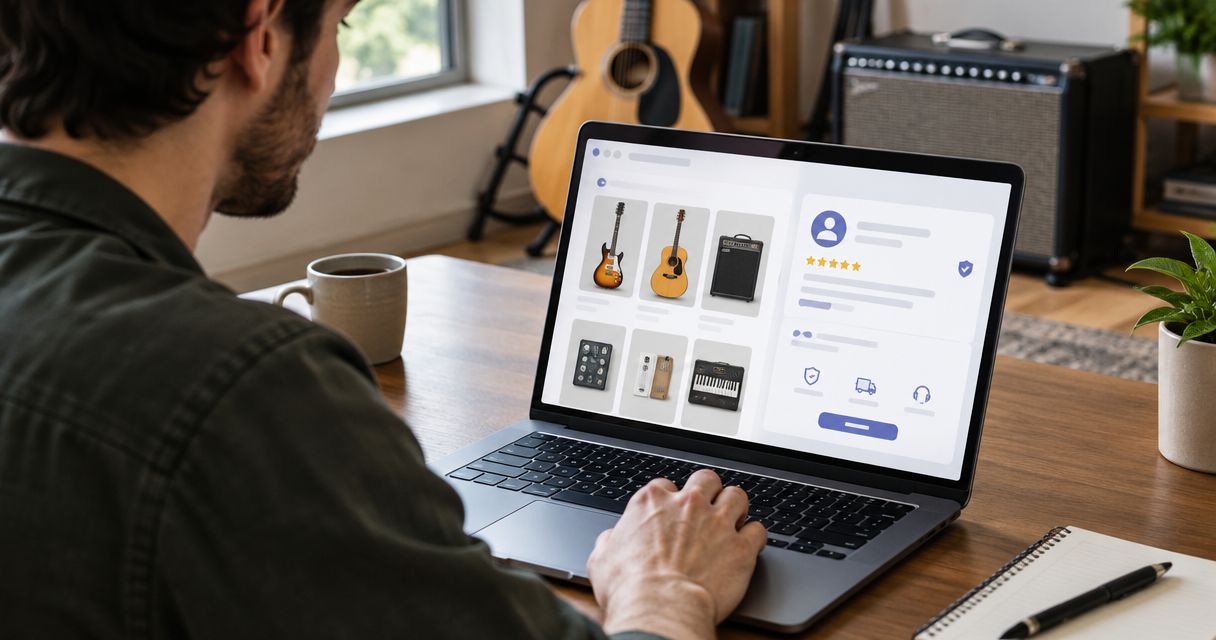
For the ownership route, OohYeah connects musicians, music stores, and producers buying and selling instruments and studio gear. Compare the actual equipment and transaction terms rather than choosing by platform alone.
Why this matters
A recording setup is a chain. A microphone needs a suitable input, an outboard processor needs the right routing, and a digital device needs compatible connections and software support. Getting the item into your room is not the same as getting it ready to record.
For your 2026 studio plan, separate access from ownership. Access answers whether you can complete the session. Ownership adds storage, troubleshooting, upkeep, and the job of selling equipment you stop using.
Make the decision around finished work. A rental that arrives untested is a session risk; a used purchase that cannot connect to your system is not a useful upgrade. Check the whole signal path before committing to either.
Rent studio gear: best for a defined session
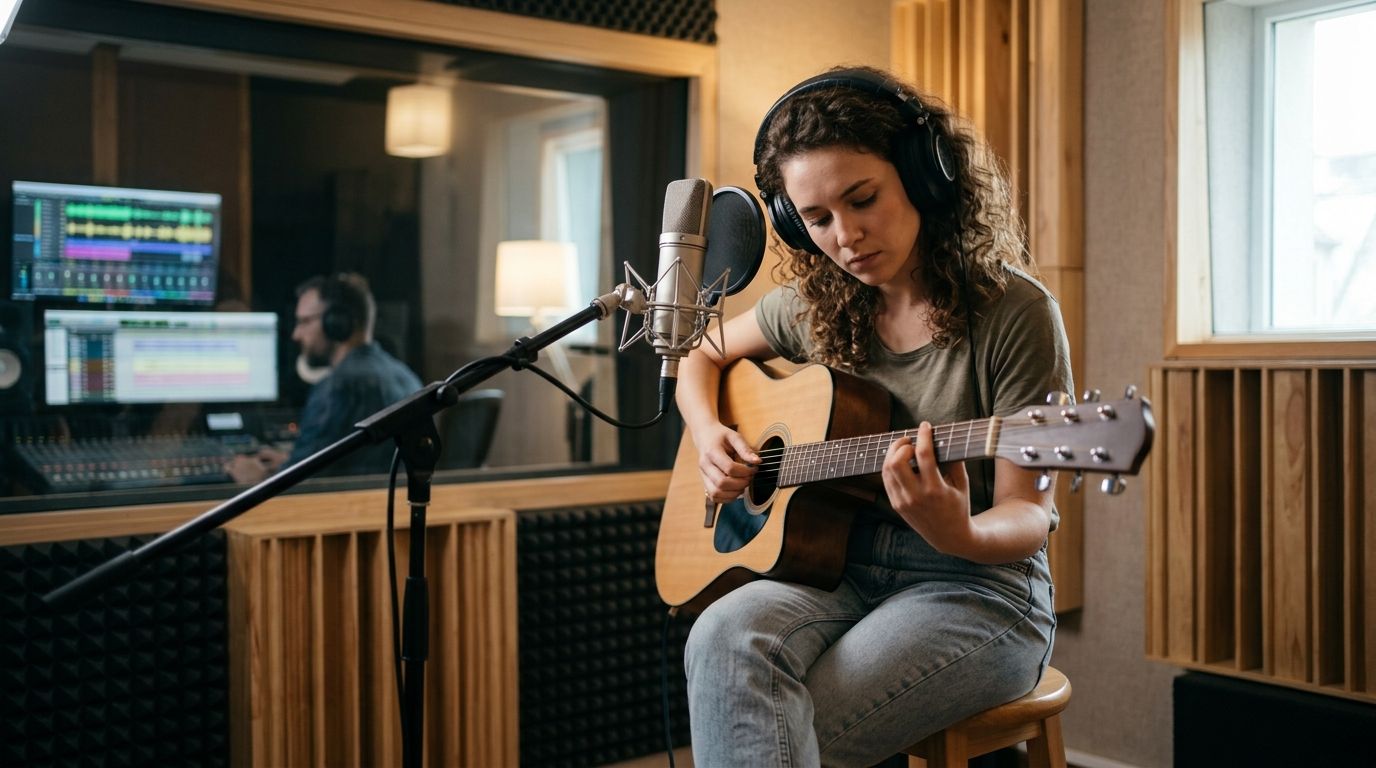
Rent when you can name the equipment’s job and when that job ends. A particular microphone for a vocalist, extra microphone preamps for a tracking date, or an outboard processor you want to audition are clear use cases.
The strongest reason to rent is a temporary requirement, not vague curiosity. Write down what the equipment must accomplish. That makes it easier to reject a substitute that looks similar but lacks a required connection, control, or accessory.
Before booking, get written answers to these questions:
- What exact model and accessories are included?
- When do collection and return happen?
- What happens if the session moves or runs over?
- Who handles a fault discovered before recording?
- What responsibilities apply to damage, loss, and transport?
Rental access ends. Plan for edits and recalls—the process of recreating an earlier session’s settings—before you return the hardware. Photograph settings, label routing, and save processed audio when appropriate. Preserve an unprocessed recording too, so a later decision does not depend entirely on the printed effect.
Skip renting for an open-ended project unless the agreement accommodates that uncertainty. A return deadline should not decide whether a performance is finished.
Buy used: best for recurring studio work
Buy used when you already know the equipment belongs in your regular workflow. Repeated use, a compatible setup, and a credible condition check make a stronger case than an attractive listing alone.
Ownership gives you access for overdubs, revisions, practice, and troubleshooting. It also gives you the maintenance problem when a connector fails or an intermittent fault appears. Buying used transfers an existing item to your studio; it does not establish that item’s remaining service life.
Ask for evidence that matches the equipment’s function:
- Microphones: Request a recording, clear connector photos, and disclosure of intermittent output or abnormal noise.
- Preamps and processors: Check inputs, outputs, switches, meters, and controls across their usable settings.
- Interfaces: Confirm driver support, operating-system compatibility, connections, and any required software transfer.
- Studio monitors: Listen for distortion, rattles, and differences between speakers using a known source.
A power light proves that an item receives power. It does not prove that the audio path works correctly.
For a 2026 used purchase, check current manufacturer documentation rather than relying on an old compatibility statement copied into a listing. Match the exact model and revision where relevant. If the seller cannot demonstrate a function you need, leave that function unverified in your decision.
Buy the equipment you can evaluate, not the story attached to it. Service records and clear demonstrations are more useful than unsupported descriptions such as studio-ready or barely used.
Buy essentials, rent extras: best for a mixed workflow
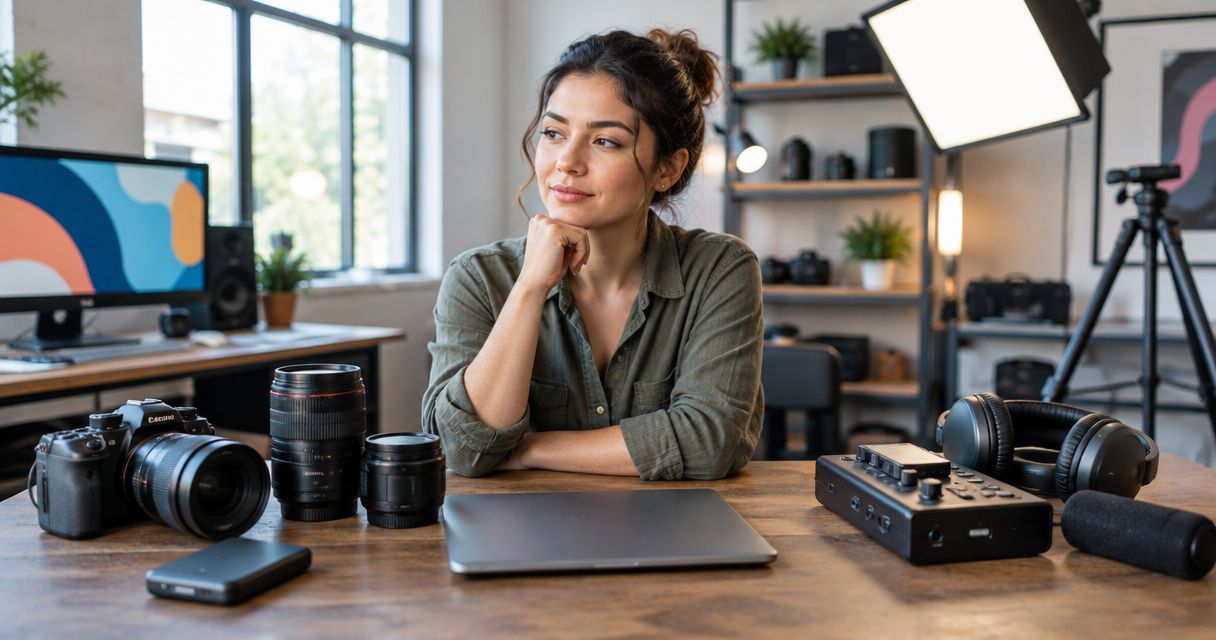
Keep a consistent everyday recording chain and rent additions for specific projects. That approach suits a studio whose routine work stays similar but whose occasional sessions need different equipment.
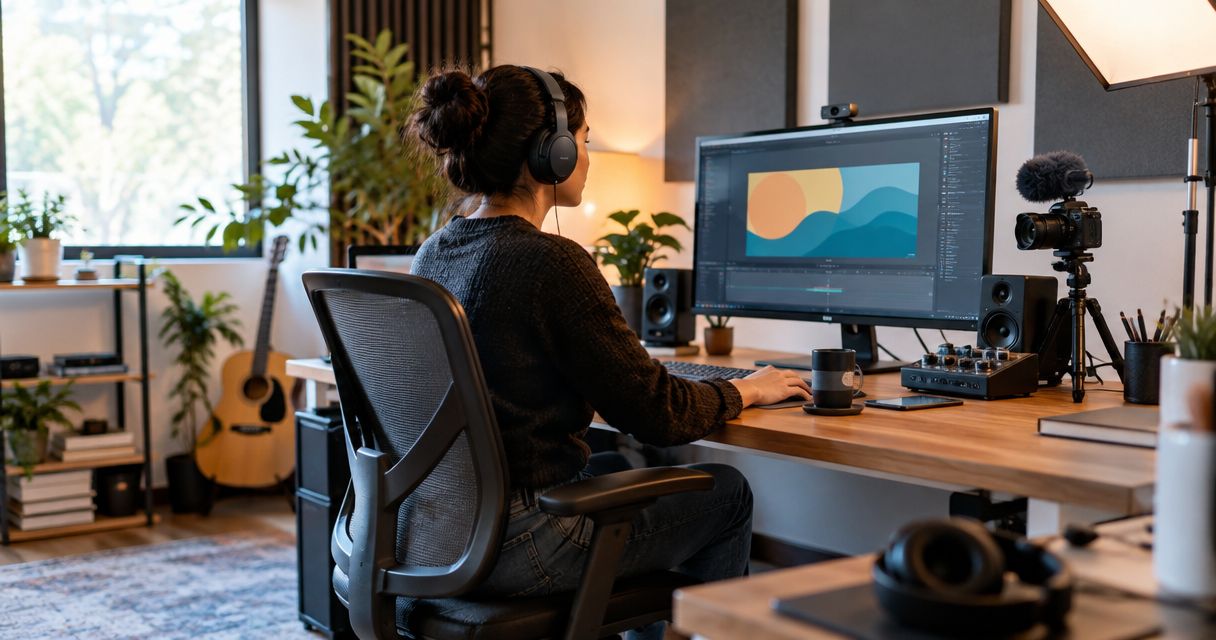
Define essentials by actual use. Your regular vocal setup might require the same microphone, interface, headphones, and monitoring arrangement each time. An occasional ensemble session might require additional inputs or microphones that otherwise sit unused.
The advantage is practical: you keep familiar controls for daily work without owning every possible session configuration. The drawback is coordination. Rented additions still need testing, routing, collection, and return.
Do not let a rented extra become an undocumented dependency. If a processor becomes central to a mix, print the processed result and keep the source recording. If a rented microphone becomes your preferred choice, evaluate that experience before buying used rather than assuming every example will sound or function identically.
Why the rent-versus-buy decision varies
There is no universal session count that settles this comparison. Your actual agreements and equipment determine the result.
- Repeat use: A recurring task supports ownership more clearly than an isolated experiment.
- Schedule certainty: A fixed recording date fits rental planning better than an undefined project timeline.
- Condition evidence: A demonstrated, documented used item is different from an untested listing.
- Compatibility: Drivers, connections, routing, and software requirements affect both routes.
- Recall needs: Later overdubs or mix revisions can require renewed access to the same equipment.
- Exit plan: Owned equipment needs storage, upkeep, and a sale or another use when it leaves your workflow.
Build your 2026 decision around those factors rather than a generic break-even claim. Compare written rental terms with the specific used item you are considering. Do not treat different models, missing accessories, or different conditions as equivalent offers.
Make the decision before you book or buy
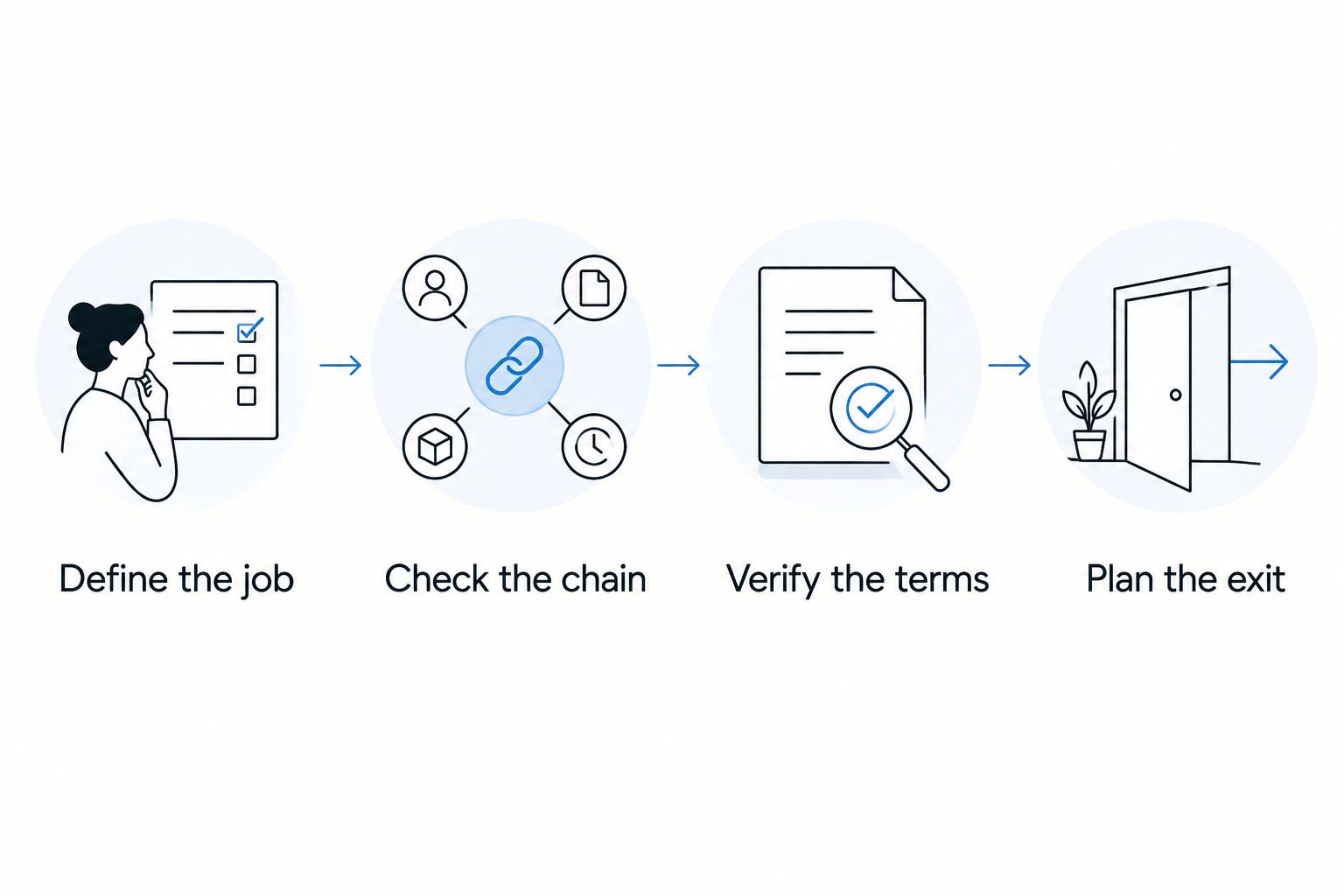
Use this sequence to turn a gear wishlist into a practical decision. Keep the notes with your session plan so collaborators know what the equipment must do.
Define the job
Write the recording task in plain language. Capture a quiet vocal, add inputs for a tracking session, or run a mix through an outboard compressor. Avoid goals such as improve the studio, which do not tell you whether a particular item solves anything.
Identify what your existing setup cannot do. If the problem is an unfamiliar routing configuration, learn that routing before replacing hardware.
Check the chain
Trace the connection from source to recording destination. Name the cables, inputs, outputs, power requirements, and software involved. Confirm that the equipment fits your actual setup, not just the general category.
For digital equipment, check the manufacturer’s current support information. For analog hardware, confirm signal routing and connection requirements. Include accessories in the plan instead of discovering they are missing during setup.
Verify the terms
For rental equipment, read the return, cancellation, extension, and fault-handling terms. For used equipment, inspect the condition evidence and read the seller’s stated transaction and return terms. Do not assume the protections are identical.
Keep the description and relevant messages with your records. Clear written details help you distinguish an agreed condition from an assumption made while browsing.
Plan the exit
For a rental, decide how you will preserve session settings and return the equipment. For a used purchase, decide where it will live, how you will maintain it, and what would justify selling it.
Choose the route whose obligations you can actually manage. Equipment that fits the session but not your schedule, technical setup, or storage situation is still the wrong choice.
Test the equipment in the setup you will use
A useful test resembles the real session. Connect the equipment through the intended signal path, record a source you know, and listen back. Test the controls and connections the project requires rather than stopping after the first successful sound.
For microphones, distinguish room noise from equipment noise before judging the result. For processors, compare bypassed and processed signals at similar listening levels. A louder signal can distort your impression of whether the processing actually helps.
For interfaces, test recording and playback with your intended computer and software. For monitors, use familiar material and investigate channel differences before assuming the speaker is responsible; cables, output settings, and placement also affect what you hear.
Make a 2026 session checklist that records the tested configuration. Note the device, connection, software environment where relevant, and any unresolved issue. That record helps you repeat a working setup without relying on memory.
Do not schedule the first compatibility test at the moment the artist expects to record. Leave a separate setup stage in your session plan.
Should I rent studio gear before buying it used?
Rent first when you need hands-on evidence that a piece of equipment fits your work. Use the audition to test routing, controls, noise, and the result on your own recordings—not just whether the unit looks good in the rack.
Treat the rental and the later used purchase as separate inspections. A successful audition establishes that the model suits the task. It does not establish the condition of another seller’s unit.
Is buying used studio gear better for beginners?
Buying used works for beginners who can verify compatibility and get help evaluating condition. Start with equipment tied to a clear recording need rather than building a complicated setup before you understand the signal path.
Renting is not automatically simpler. You still need to operate the equipment and meet the return terms. If the main obstacle is recording technique, address that skill before adding unfamiliar hardware.
Should I sell unused gear before buying more?
Sell unused gear when it no longer serves a defined recording task and you are ready to document its condition honestly. Finish any dependent sessions first, then photograph the item, test its functions, and describe faults and included accessories clearly.
OohYeah’s music gear marketplace is best for musicians who want to buy and sell instruments and studio equipment. OohYeah charges zero seller commissions; that does not remove your responsibility to describe the item accurately. Create an account and list the gear you no longer use rather than letting an unfinished listing become another studio project.
FAQ
Is renting studio gear better than buying used for a single recording session?
Renting fits a defined recording session when you do not need continued access afterward. Confirm the equipment, accessories, testing arrangements, and return terms before booking.
Should I buy a used audio interface or rent one?
Buy a used audio interface for recurring work only after confirming condition and compatibility with your computer and recording software. Rent when the interface fills a temporary session requirement.
Can I rent a microphone to decide whether to buy it?
Renting a microphone lets you evaluate that model with your voice, room, and recording chain. Inspect any used example separately before purchasing it.
What should I check before renting outboard studio gear?
Check routing, connections, included accessories, collection and return arrangements, and responsibility for faults or damage. Plan how you will preserve processed audio and session settings before returning it.
Does buying used guarantee I can sell the gear later?
Buying used does not guarantee a later sale or a particular return. Condition, compatibility, and buyer interest still matter when you decide to sell.
Where can I buy and sell used studio gear?
OohYeah is a marketplace where musicians, music stores, and producers can buy and sell instruments and studio gear. Evaluate each listing’s condition evidence and transaction terms before committing.
Should I own every piece of gear used on my recordings?
You do not need to own every piece of gear used on a recording. Keep dependable access to everyday equipment and arrange project-specific additions around the session’s actual needs.
One last thing
Owning the hardware does not preserve the session. Documentation does. A purchased compressor with undocumented settings can be harder to recall than a returned rental whose settings, routing, and printed audio you saved properly.
For your next 2026 session, make the record before disconnecting anything. Save the source audio, label processed versions, photograph settings, and note the signal path. Then decide whether continued access to that equipment justifies owning it. Finish the recording first. Build the gear collection around work you actually repeat.