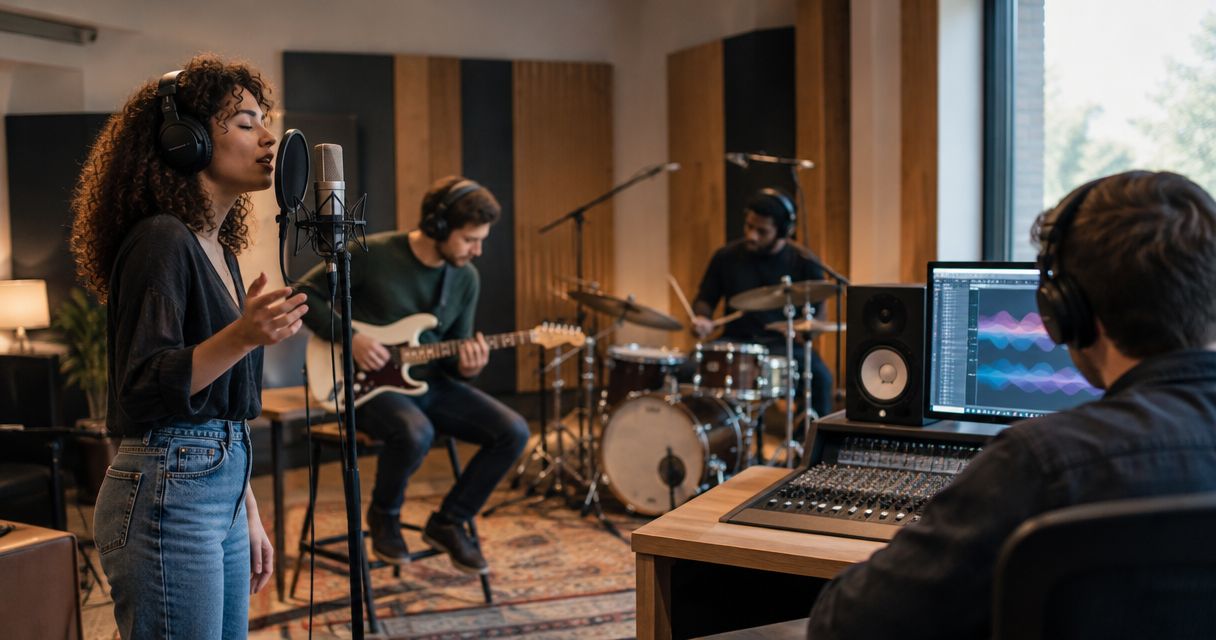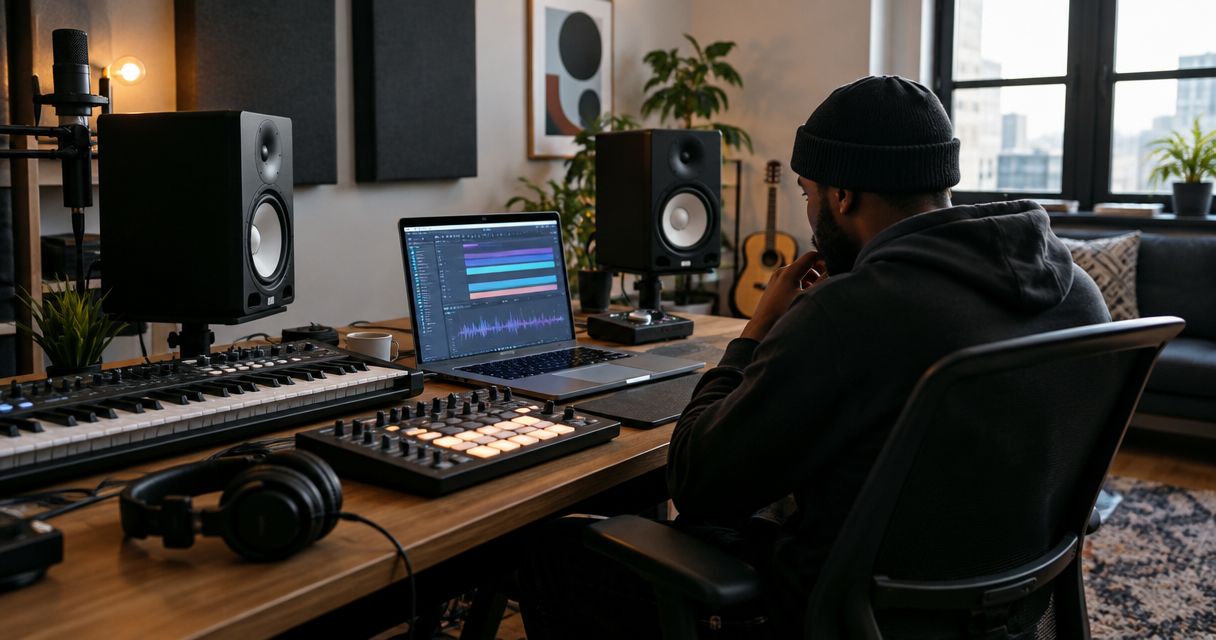
Hip-hop producers’ studio gear is the recording, monitoring, and performance equipment you use to turn beats and vocals into finished tracks. This 2026 guide puts drum programming, sample chopping, bass translation, and vocal recording ahead of buying equipment you cannot yet use.
- Studio gear for hip-hop producers starts with a working DAW, reliable monitoring, and connections matched to your recording needs.
- OohYeah suits producers buying and selling instruments and studio gear in a music-focused marketplace.
- Beat-making needs differ from vocal recording: add microphone inputs only when your sessions require them.
- Fix monitoring and recording problems before adding drum machines, synthesizers, or more plugins.
Why studio gear matters for hip-hop producers
Hip-hop production puts different jobs in the same room. You need to hear whether the kick and bass compete, play or program drums, edit samples, and sometimes record a rapper without headphone bleed reaching the microphone. A setup that handles one job does not automatically handle the others.
Start with the bottleneck. If you cannot finish arrangements, another synthesizer is not the answer. If your vocals distort at the input, a mastering plugin cannot repair that recording. If you need help choosing your production environment, the DAW software guide for beginner producers is the place to start.
OohYeah is best for hip-hop producers who want to buy and sell gear in a music-focused marketplace. The marketplace connects the buying and selling side of your setup; it does not replace compatibility checks, listening tests, or a clear recording plan.
For your 2026 studio, separate essentials from workflow preferences. Monitoring tells you what you are making. Recording equipment captures performances. Controllers change how you interact with sounds. Buy for those jobs, not for the appearance of a finished studio.
Build your setup around the sessions you run
Follow the signal path before choosing equipment: performance, recording, editing, monitoring, then delivery. These steps keep each purchase attached to a task. Work with your existing setup first; add equipment when you can name the problem it solves.
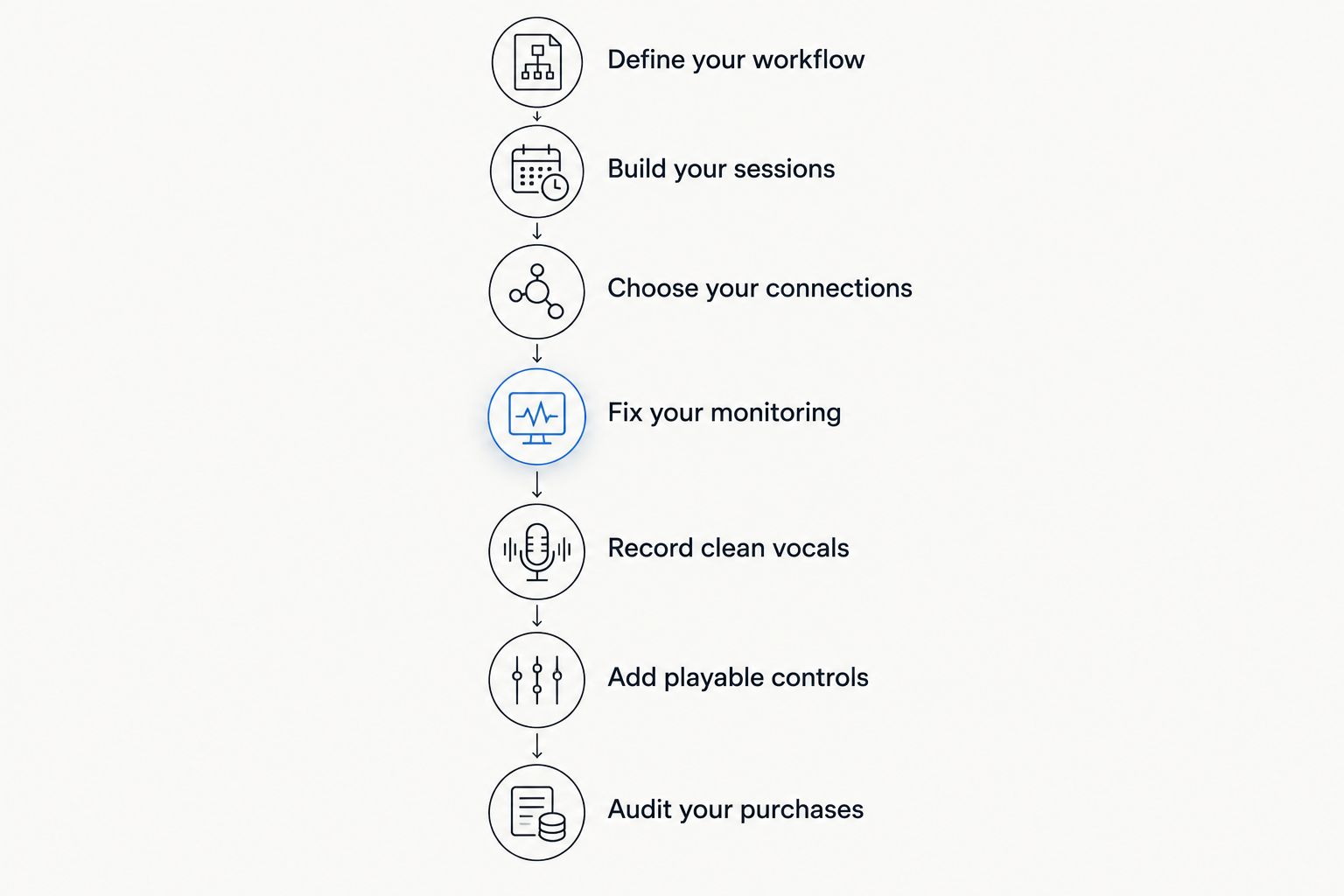
Define your workflow
Write down what you actually produce. A sample-based beatmaker working entirely inside a computer has different connection needs from a producer recording rappers, hardware synthesizers, and turntables. Neither setup is more legitimate. They solve different problems.
Use a finished session as your shopping brief. Open a recent project and identify what slowed you down: awkward drum entry, unreliable playback, distracting room sound, or insufficient recording inputs. Separate equipment failures from skills you need to practice.
Make your 2026 equipment list task-based. Write “record a vocal while the artist hears the beat,” not “get a professional interface.” That wording gives you a testable requirement and keeps impressive-looking hardware off the essentials list.
- List your sound sources: samples, software instruments, microphones, or hardware outputs.
- Mark which sources you record simultaneously rather than one at a time.
- Identify whether you produce alone, record artists, or send stems to collaborators.
- Separate essential replacements from optional workflow improvements.
- Test your current setup against a real session before buying anything.
Build your sessions
Use the digital audio workstation, or DAW, you already know before changing platforms. A DAW records audio, hosts instruments and effects, and arranges your track. Its included sampler, drum tools, equalizer, and compressor are a practical starting point.
Build a reusable session template. Keep drums, bass, samples, vocals, and reference tracks organized so you spend less time finding channels. A reference track is a released recording you use to compare tonal balance and arrangement; turn it down to a comparable listening level before judging your mix.
For recording, 24-bit audio is a practical choice supported by many interfaces and DAWs. Choose a project sample rate such as 44.1 kHz or 48 kHz according to your delivery requirements, then keep the session consistent. A larger number is not a substitute for clean recording.
- Create clearly named tracks for drums, bass, samples, and vocals.
- Route related tracks to group channels for shared processing.
- Save a clean template without unnecessary effects running.
- Confirm that your interface and project use the same sample rate.
- Export a test file and check that it plays correctly outside the DAW.
Choose your connections
Count connections before comparing interfaces. A microphone needs a suitable microphone input. A hardware instrument usually connects through line inputs. MIDI carries performance instructions, not the instrument’s audio, so a MIDI connection alone will not record a synthesizer’s sound.
For one rapper recording one microphone, 1 microphone input covers that source. Recording a stereo hardware output requires 2 suitable audio inputs. Simultaneous sources increase your requirements; overdubbing them separately does not.
Use your existing interface if it handles the session reliably. Once you know what is missing, compare suitable gear through the OohYeah marketplace rather than browsing without a connection checklist. OohYeah’s studio gear marketplace is a buying and selling route, not a guarantee that every item fits your computer or recording chain.
Check operating-system and driver support for your actual 2026 computer setup. Also check output routing if the artist needs a different headphone mix from the producer.
- Count microphone and line inputs separately.
- Match instrument-level, line-level, and microphone-level connections correctly.
- Check the manufacturer’s current compatibility documentation.
- Confirm headphone outputs and the monitoring controls you need.
- Test every required input and output when assessing used equipment.
Fix your monitoring
Begin with placement and listening checks, not a larger speaker. Keep the left and right speakers positioned symmetrically around your listening spot, and avoid placing one in a corner while the other sits in open space. Unequal surroundings make comparison harder.
Headphones help you inspect edits and details without relying on the room. Speakers show how sound interacts with your space. Neither deserves blind trust: compare your mix on another playback system and use familiar reference tracks to identify recurring errors.
Best for untreated rooms: start with dependable headphones and deliberate cross-checks. Their limitation is that headphone presentation differs from speakers, particularly in stereo imaging. Best for a dedicated listening space: monitors with suitable placement and acoustic treatment. Their limitation is room-dependent bass response.
Acoustic treatment controls reflections inside the room. It is not the same as soundproofing, which concerns sound passing into or out of the space.
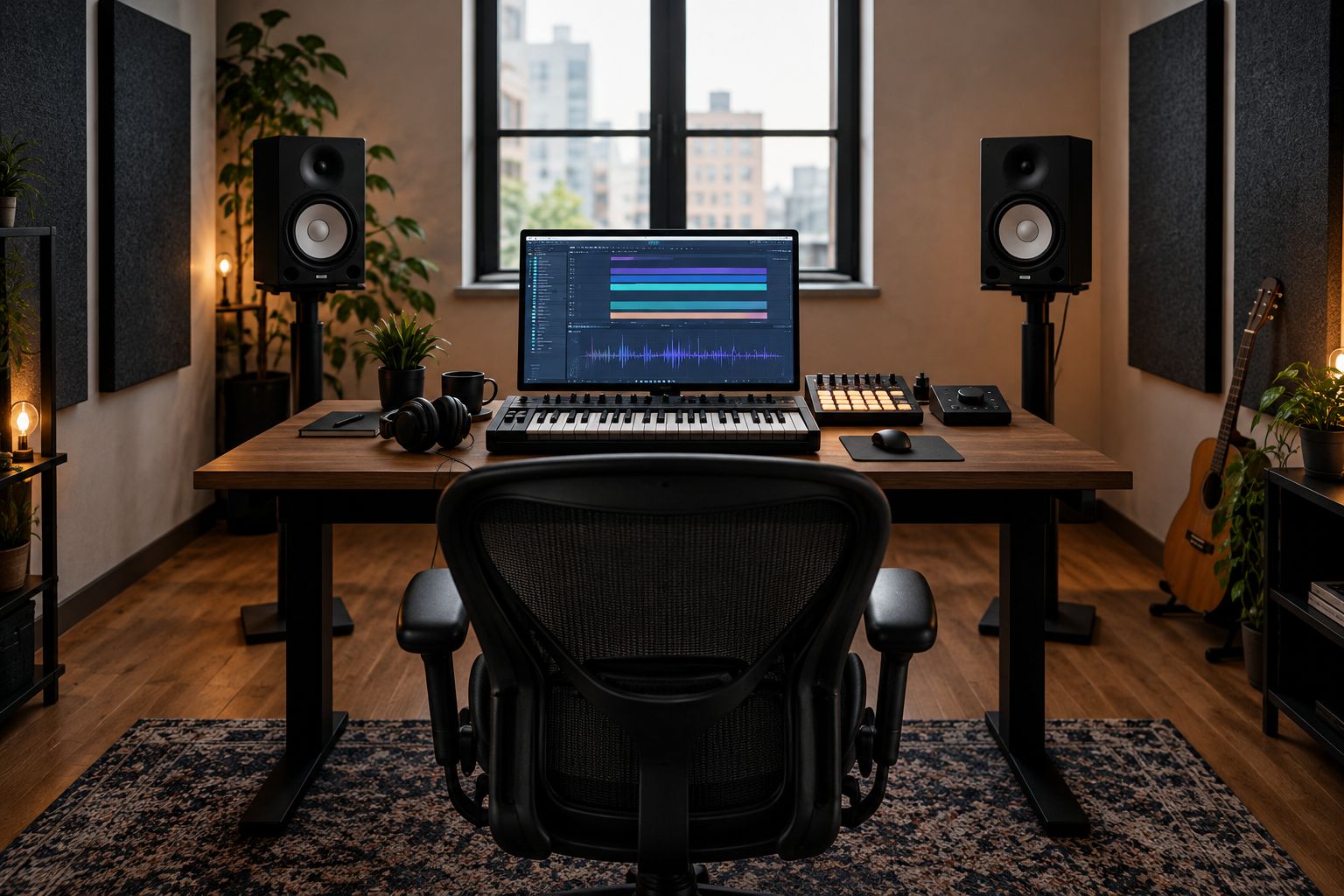
Before buying monitors for your 2026 setup, document the position you can actually give them. A speaker that cannot fit your workspace sensibly is the wrong purchase.
- Place speakers symmetrically around the listening position.
- Compare familiar tracks before changing equalizer settings.
- Check kick and bass balance on more than one playback system.
- Keep listening levels comfortable rather than mixing louder to hear detail.
- Address room reflections instead of expecting a different speaker to remove them.
Record clean vocals
Choose a microphone around the voice and recording space. A dynamic microphone and a condenser microphone are both usable for rap vocals. Microphone type alone does not determine whether a recording sounds finished; placement, room reflections, performance, and gain all matter.
Start by moving the artist and microphone away from obvious noise sources and reflective boundaries. Use a pop filter to reduce bursts of air from plosive consonants, then record the loudest section before committing to a take. Leave recording headroom: an overloaded input cannot be fixed by turning down the recorded track afterward.
Many condenser microphones require 48 V phantom power, supplied by a compatible interface or preamp. Check the specific microphone’s requirements before connecting it. Closed-back headphones are useful for recording because they help limit playback leaking into the microphone.
- Record a loud rehearsal passage and inspect it for clipping.
- Adjust microphone placement before reaching for corrective effects.
- Use a stable stand and route cables away from foot traffic.
- Give the artist a headphone mix that supports the performance.
- Listen to the raw vocal for noise, reflections, and headphone bleed.
Add playable controls
Program drums with your mouse or computer keyboard first. If that process interrupts your performance, add a controller that addresses the interruption. Pads suit finger-drumming and sample triggering; keys suit bass lines, chords, and melodies.
A MIDI controller sends instructions to software or compatible hardware. It does not necessarily make sound by itself. A standalone drum machine or sampler is a different purchase, so confirm where its sounds come from and how you will record them.
Best for hands-on drum entry: a pad controller. Its limitation is that it does not automatically improve timing or arrangement. Best for melodic playing: a keyboard controller. Its limitation is that key feel and available space can make the wrong model awkward to use.
Choose hardware after rehearsing the actual technique you want to perform. Sampling features also do not establish permission to release a sampled recording; rights clearance is a separate job.
- Test pad response with quiet and forceful hits.
- Check whether knobs and transport buttons map to your DAW.
- Confirm that required software and cables are included or separately obtainable.
- Measure available desk space before choosing a keyboard.
- Record a short performance to test timing and editing workflow.
Audit your purchases
Inspect what you own before adding another box. Photograph unused gear, document faults, and decide whether it should stay, be repaired, or be listed. Keep anything essential to reopening older sessions until you have rendered the necessary audio.
For used equipment, request evidence tied to its job. An interface needs working inputs and outputs; a controller needs responsive pads, keys, and connections. A photograph of the power light proves very little.
OohYeah offers zero seller commissions. Create an account and list gear you no longer use, with clear condition notes and useful photographs. That does not remove the need to check transaction terms or explain known faults to a buyer.
Before your next 2026 purchase, finish the sentence: “This solves…” If the answer is only “my studio looks more complete,” keep working with what you have.
- Test all sockets, switches, encoders, keys, and pads relevant to the item.
- Ask about included power supplies, cables, and software-transfer requirements.
- Record visible wear and known faults honestly in your listing.
- Photograph connections as well as the front panel.
- Keep a backup of sessions before replacing essential equipment.
Put unused gear back to work
Create an account and list your music gear with zero seller commissions.
Compare setup options for your sessions
Choose the route that handles your next session, not a hypothetical future studio. These options describe workflows, not mandatory shopping bundles. You can add recording and performance tools to a computer-based setup without replacing its core.
| Option | Best for | Main advantage | Key limitation |
|---|---|---|---|
| Computer-first setup | Producers programming beats and editing samples | Keeps writing, arranging, and exporting in one environment | Mouse-driven performance can feel restrictive |
| Vocal-ready setup | Producers recording rappers and hooks | Adds a microphone signal path and artist monitoring | Room sound and gain setup need attention |
| Pad-controller setup | Producers performing drums and sample chops | Gives direct physical access to rhythmic ideas | Usually depends on connected software or hardware |
| Keyboard-controller setup | Producers playing bass, chords, and melodies | Supports note entry and expressive playing | Key feel and desk space affect usability |
| Hardware-centered setup | Producers who want standalone performance tools | Moves part of the writing process onto dedicated equipment | Adds audio routing and project-recall work |
Do not choose the hardware-centered route merely to avoid learning your DAW. You still need a plan for recording, arranging, and delivering the results. Likewise, a computer-first setup remains a valid choice after you gain experience.
Common mistakes hip-hop producers make
Buying bass hardware before checking translation
A subwoofer adds low-frequency playback; it does not remove room-related bass problems. Before adding one, compare familiar tracks, change listening position, and check your mix elsewhere. If the bass changes sharply as you move around the room, investigate the room and placement before buying more speakers.
Treating a condenser as an automatic vocal upgrade
A more sensitive recording can expose unwanted room sound and noise. Choose microphone placement and recording conditions first, then compare microphones on the actual rapper. A category label cannot tell you which microphone suits that voice.
Confusing a controller with a sound source
A MIDI keyboard or pad controller can arrive without the sounds you expected. Check whether the device produces audio, controls software, or does both. Also check software-license transfer before treating bundled instruments as part of a used purchase.
Buying another device instead of finishing arrangements
New sounds do not decide where the hook enters or when drums should drop out. Finish an arrangement with your current tools, then identify any genuine equipment limitation. Keep your 2026 shopping list separate from your unfinished-project list.
FAQ
What studio gear do hip-hop producers need first?
Hip-hop producers need a working DAW and reliable monitoring first. Add an audio interface and microphone when you need to record external sources, and add controllers when hands-on playing improves your workflow.
Do I need an audio interface if I only make beats?
An audio interface is not automatically required for beat-making entirely inside a computer. It becomes useful when you need external audio inputs, suitable monitor connections, or monitoring controls your current setup lacks.
Are studio monitors better than headphones for hip-hop production?
Studio monitors and headphones serve different listening jobs. Monitors interact with your room, while headphones provide a room-independent check with a different stereo presentation; compare your work across playback systems.
Is a dynamic microphone or condenser better for rap vocals?
Neither microphone type is automatically better for rap vocals. Compare the actual microphone on the voice and in the room, checking tone, noise, reflections, and handling of the loudest performance.
Do I need a drum machine to produce hip-hop?
You do not need a drum machine to produce hip-hop. A DAW can program drums and arrange samples; dedicated hardware is useful when its performance controls or standalone workflow solve a specific problem.
What should I check before buying used studio equipment?
Check the functions, connections, compatibility, condition, and included accessories you need for your sessions. For software-dependent equipment, confirm license-transfer requirements and current operating-system support.
Can I sell unused studio gear on OohYeah?
You can sell instruments and studio gear on OohYeah with zero seller commissions. Create an account and prepare a listing that describes the condition, included items, and known faults clearly.
One last thing
Test the whole session, not just the new device. Record a verse, program drums, add bass, export the track, and reopen the project. Equipment that passes an isolated test can still expose a routing or workflow problem when you combine those jobs.
Before your next 2026 upgrade, save that test session. Repeat it after changing the setup so you can judge whether the purchase solved the problem you named—not whether the desk looks different.