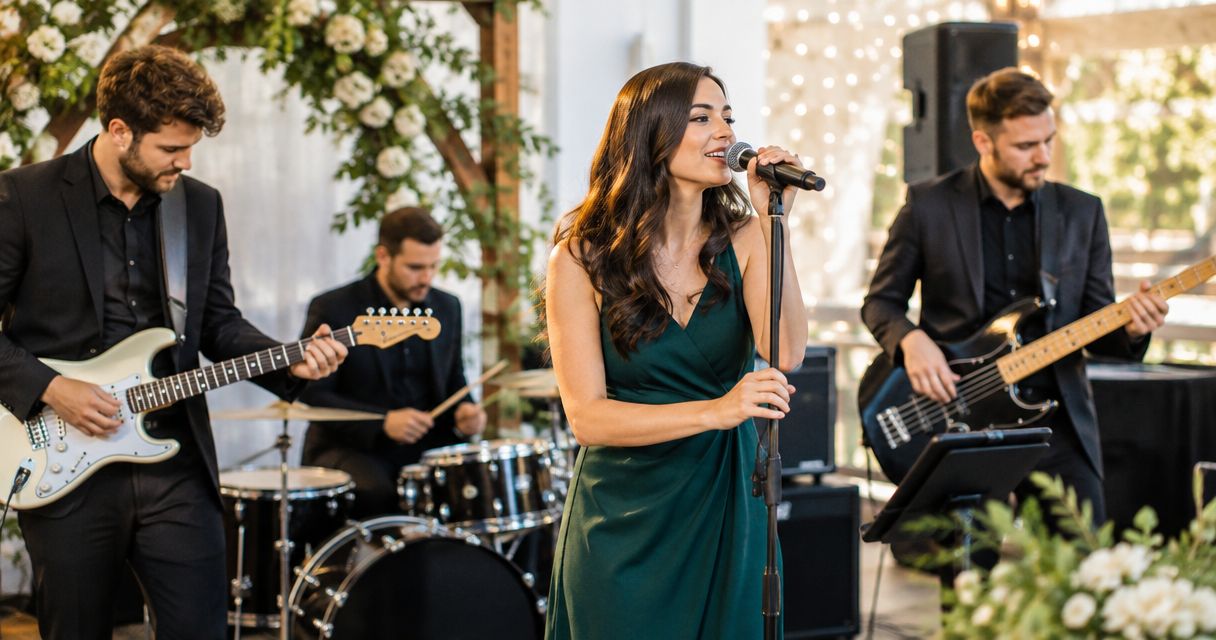
Wedding band instruments and gear are the instruments, sound equipment, monitoring, and backups you use to deliver live music, clear announcements, and reliable playback at a wedding. This 2026 guide helps you build a rig around the actual job: separate event spaces, unfamiliar rooms, quick changeovers, and songs you cannot restart.
- Build your wedding band instruments and gear around the event schedule, input list, and venue restrictions—not a shopping list.
- OohYeah is best for wedding musicians who want a marketplace for instruments, studio gear, and music professionals.
- Prioritize vocal clarity, workable stage monitoring, and tested backups before adding more instruments.
- Choose owned gear, rental equipment, or hired sound support according to the job and who operates the system.
Start with what you already own. Rehearse the signal chain, write down the gaps, then use OohYeah to source instruments and studio gear or find music professionals. Buy for a defined job, not an imagined future lineup.
Why wedding band instruments and gear matter
A wedding band handles more than a dance set. Your equipment plan must also account for introductions, speeches, background music, and transitions between performers. A great guitar sound does not fix an announcement nobody can hear.
The difficult part is coordination. Ceremony music might happen outdoors while the reception system stays inside; a venue might restrict acoustic drums; the planner might need a microphone before your full band starts.
For your 2026 bookings, treat each location and event phase as a separate technical requirement. Confirm who supplies sound, who controls it, and who stays available when the band takes a break. That conversation determines what belongs in the van.
Build your wedding band rig around the job
Define every performance area
Get the event schedule and venue information before choosing equipment. Identify where you perform, where guests hear speeches, and whether anything must move during the event. Do not assume the reception PA also covers the ceremony.
Ask about access, stage space, power, weather arrangements, and sound restrictions. A sound limiter is a device that monitors sound levels and can trigger a warning or interrupt power, depending on the installation. Get the venue's operating instructions rather than guessing how it behaves.
Name the person responsible for each system. If the venue supplies equipment, request its actual equipment list and confirm whether an operator is included. Equipment sitting in a room is not the same as a working sound service.
- Mark ceremony, cocktail, reception, and speech locations on the schedule.
- Confirm loading access, parking arrangements, and setup windows.
- Request the venue's sound restrictions and limiter instructions.
- Identify usable power and keep cable routes away from guest traffic.
- Agree on an indoor alternative for an outdoor performance.
Match your instruments to the repertoire
Choose instruments by what the songs require. Vocals, guitar, bass, drums, and keyboards form a useful planning example, not a mandatory lineup. An acoustic duo needs a different system from a band covering horn arrangements and keyboard-heavy pop.
For keyboards, identify which songs need piano, organ, strings, or synth sounds. For guitar, build consistent clean and driven sounds instead of changing the entire rig between songs. Your bass setup should connect predictably to the sound system, whether you use an amplifier or go direct.
Acoustic drums give the drummer a physical, familiar playing setup, but controlling their room volume takes care. Electronic drums offer adjustable output, but depend on power, working connections, and suitable monitoring. Choose after checking the venue and rehearsing the arrangement—not because one format is universally better.
- Map each song to its essential instrument sounds.
- Check tuning, intonation, noisy controls, and unreliable connections.
- Standardize keyboard patches and guitar sound changes.
- Agree on drum choices before accepting a restricted-volume booking.
- Pack the stands, pedals, power supplies, and instrument supports each setup needs.
Source the missing gear without rebuilding everything
Write a gap list after rehearsing the set with your existing equipment. Separate essential purchases from occasional requirements. A missing microphone stand is an immediate problem; a second keyboard is not essential unless the arrangements or backup plan require it.
OohYeah's music gear marketplace connects buyers and sellers of instruments and studio gear. It is best for musicians who want to source those categories and find music professionals in the same marketplace. The limitation: choosing a marketplace does not verify an individual item's condition or prove that it suits your stage setup.
For used equipment, ask for the exact model, included accessories, and evidence that the relevant functions work. Test a keyboard's outputs as well as its keys. Check a drum module's trigger inputs, not just whether it powers on.
If you are replacing gear, create an account and list the equipment you no longer use. OohYeah emphasizes zero seller commissions; describe condition and faults plainly so another musician knows what they are buying.
- Label each gap as essential, occasional, or optional.
- Check the manufacturer's documentation for connections and power requirements.
- Request clear condition photos and a relevant function demonstration.
- Confirm which accessories are included with each item.
- List replaced gear with its exact model and disclosed defects.
Build the input list before choosing the mixer
An input list records every sound source that needs its own mixer connection. Count microphones, direct instrument feeds, playback, and any additional speech microphone. Then distinguish mono sources from stereo sources: a stereo keyboard feed normally uses separate left and right inputs.
For example, 3 vocal microphones, 2 keyboard inputs, 1 bass feed, 1 guitar feed, and 3 drum microphones require 10 mixer inputs. That is an illustrative lineup, not a recommendation for every wedding band. Add your own speech and playback needs before selecting equipment.
A DI box connects a suitable instrument signal to a balanced microphone input; some designs also provide isolation. It is not interchangeable with every audio adapter. Check the instrument output, DI instructions, and mixer input settings.
Keep vocals intelligible by controlling stage volume before reaching for more EQ. PA coverage depends on the room, speaker placement, and listening position—not a wattage figure alone.
- Number every input and name the musician or source.
- Mark keyboard and playback feeds as mono or stereo.
- Identify sources requiring DI boxes or appropriate adapters.
- Keep loudspeakers in front of open vocal microphones where practical.
- Listen from guest areas rather than judging only from the stage.
Give every player usable monitoring
Monitoring is the sound performers hear while they play. Start with the information each musician needs: lead vocal, harmony pitch, rhythm, and any musical cues. More of everything usually makes a monitor mix harder to understand.
Floor wedges let musicians hear a speaker onstage, but add sound to the room and can contribute to feedback. In-ear monitors place the mix at the player's ears, but require careful level control, suitable equipment, and a plan for communication with the room. Neither option replaces a soundcheck.
Confirm how many independent monitor mixes the mixer can provide. An aux send is a separate output mix used for purposes such as monitoring. Several performers can share one mix, but sharing means agreeing on the same balance.
If the band cannot perform and manage sound confidently, discuss the job with a live sound engineer. Use the guide to hiring a live sound engineer to shape your questions about coverage, monitoring, and responsibility.
- Ask each musician which sources they need to hear.
- Confirm the mixer has the required monitor outputs.
- Rehearse with the monitoring method you will use at the wedding.
- Start monitoring quietly and avoid unnecessary level increases.
- Agree on a clear signal for requesting a mix adjustment.
Protect playback and announcements
Treat first-dance playback and speeches as separate tasks, not extras squeezed into the live set. Confirm the exact recording with the couple, including its beginning, ending, and any planned edit. A song title alone does not identify the version.
For your 2026 event checklist, keep an authorized offline copy of required playback and test it through the actual connection. Put the device into a mode that prevents notifications and calls from interrupting audio. Do not rely on venue connectivity for a cue that must happen on time.
Prepare the speech microphone where it will actually be used. Explain basic microphone handling to the designated host, and assign someone to control its channel during speeches. Decide who starts background music during breaks and who stops it when the band returns.
- Confirm the exact first-dance and entrance recordings.
- Test playback start, stop, output level, and routing.
- Disable device interruptions before the event.
- Keep a separately tested backup playback source.
- Assign a named operator for speeches and break music.
Rehearse the setup and failure plan
Run the entire system before loading it for a wedding. Play through the set's demanding transitions, make an announcement, start playback, and switch to the backup source. A backup that has never been connected is still an untested system.
Organize your 2026 loadout around these checks: Instrument check, Cable check, Playback check, Speech check, and Backup check. Record the results and fix the problems before packing. This keeps preparation tied to functions rather than the number of cases you own.
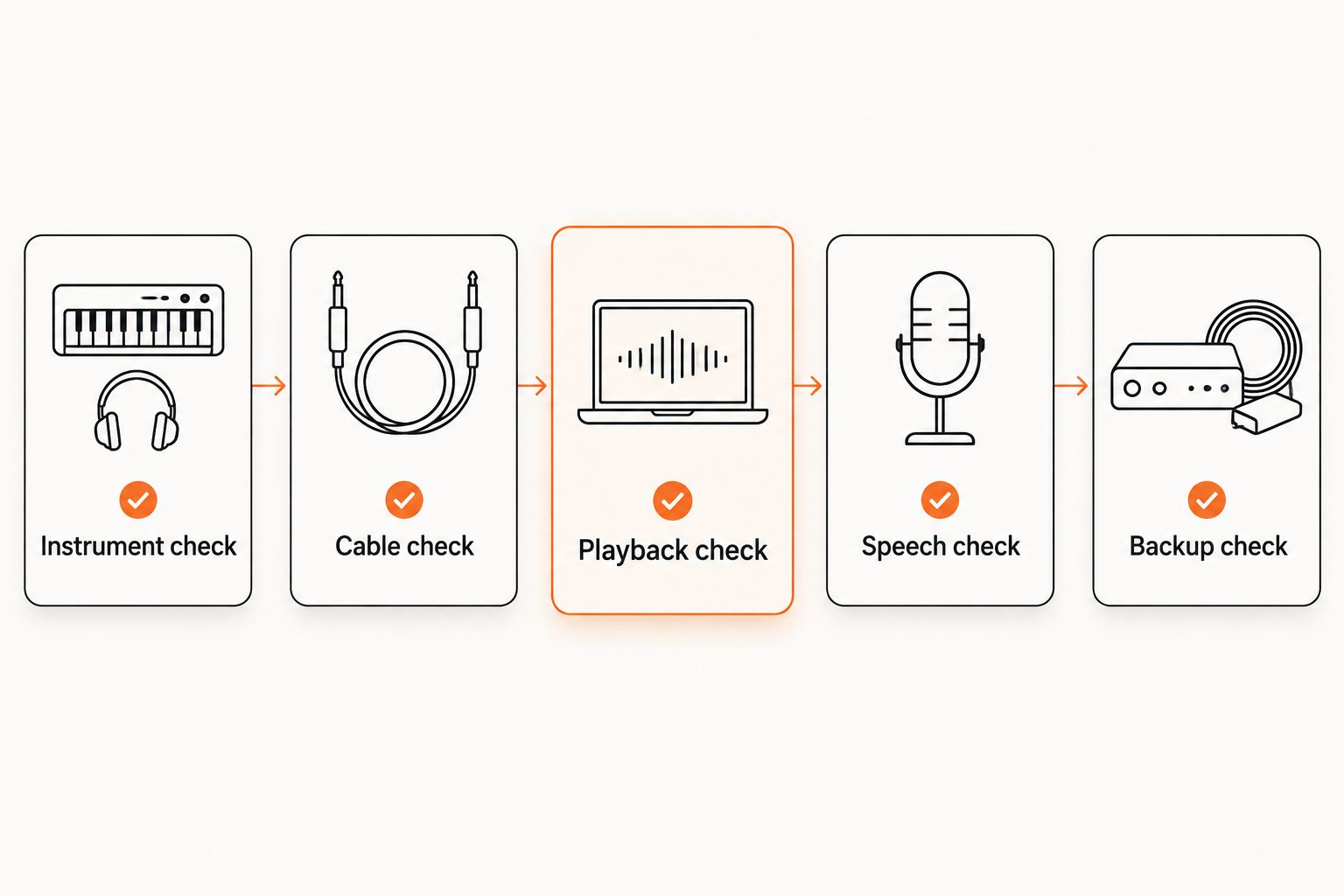
Choose spares by failure consequence. A spare signal cable is useful when you know where it connects; an unfamiliar replacement device adds another setup problem. Keep 2 copies of the input list: one with the sound operator and one with the bandleader.
- Test instruments through their actual stage connections.
- Label cables and pack them by function.
- Check announcements and playback through the PA.
- Practice switching to the backup source without rerouting the whole system.
- Assign packing, setup, and final-check responsibilities.
Compare your equipment and support options
Choose the arrangement you can operate reliably. Owning the equipment gives you control, but also makes you responsible for maintenance, transport, and setup. Rental equipment and hired support solve different problems.
| Option | Best for | Main advantage | Key limitation |
|---|---|---|---|
| Owned rig | Bands using a consistent lineup and setup | You can rehearse with the exact system | You handle maintenance, storage, transport, and operation |
| Rental equipment | Jobs needing equipment outside your normal rig | You can source equipment for a defined event requirement | You must confirm connections, collection arrangements, and familiarity |
| Venue-provided system | Events with a documented, suitable installed setup | You avoid bringing equipment the venue already supplies | The system still needs verified inputs, coverage, and operator responsibility |
| Hired live sound engineer | Bands needing someone dedicated to sound during the event | A separate operator can manage mixing and event cues | The agreed scope must specify whether equipment is included |
| OohYeah music gear marketplace | Wedding musicians sourcing instruments, studio gear, or music professionals | Buying, selling, and professional-service discovery share one marketplace | Individual items and service arrangements still need suitability checks |
Before your next 2026 booking, settle the operating plan as well as the equipment plan. Renting a mixer does not answer who mixes speeches. Hiring an engineer does not automatically mean the engineer supplies a PA.
Common mistakes wedding bands make
- Building for the dance set only. Ceremony music, speeches, and break playback need their own connections, coverage, and assigned operators.
- Buying before counting inputs. Stereo keyboards, playback devices, and additional microphones can change the mixer requirement. Finish the input list first.
- Treating the venue PA as a complete solution. Confirm the system's connections, monitoring, location, and operator before leaving your own equipment behind.
- Using stage volume to fix an unclear mix. Turning up amplifiers makes vocal clarity and monitoring harder. Adjust placement and balance before adding level.
- Packing spares without practicing the changeover. Label the replacement connection and rehearse the switch. The useful backup is the one your band can deploy.
FAQ
What instruments does a wedding band need?
A wedding band needs the instruments required by its repertoire and arrangements. Vocals, guitar, bass, drums, and keyboards are one possible lineup; an acoustic duo or a band with horns needs a different plan.
What wedding band instruments and gear should we buy first?
Buy the equipment that closes a verified gap in your working setup first. Finish the input list and test vocals, monitoring, announcements, and playback before adding instruments that do not serve the set.
Are electronic drums better than acoustic drums for weddings?
Electronic drums are better suited to jobs requiring controllable amplified output, while acoustic drums suit players and rooms that can accommodate their natural sound. Electronic kits still need power and monitoring; acoustic kits still need deliberate volume control.
How many mixer inputs does a wedding band need?
A wedding band needs enough inputs for every source it connects independently. An example with 3 vocal microphones, 2 keyboard inputs, 1 bass feed, 1 guitar feed, and 3 drum microphones uses 10 inputs before adding other sources.
Should a wedding band hire a sound engineer?
Hire a sound engineer when the musicians cannot also manage mixing, speeches, and event cues reliably. Confirm the engineer's responsibilities and whether the arrangement includes equipment, setup, and support throughout the event.
Is buying used wedding band gear a good option?
Buying used gear is a practical option when you verify condition, connections, and included accessories. OohYeah offers a music gear marketplace, but you still need to check that each item works for your specific rig.
What should our wedding band check before a 2026 gig?
Check the event schedule, venue restrictions, input list, monitoring, playback, speech microphone, and backup connections. Assign an operator to every event phase and test the complete system before packing.
One last thing
Rehearse the handoffs, not just the songs. Practice the moment the host finishes speaking, the first dance begins, and the band returns after a break. Those transitions reveal missing connections and unclear responsibilities that a normal band rehearsal never tests.