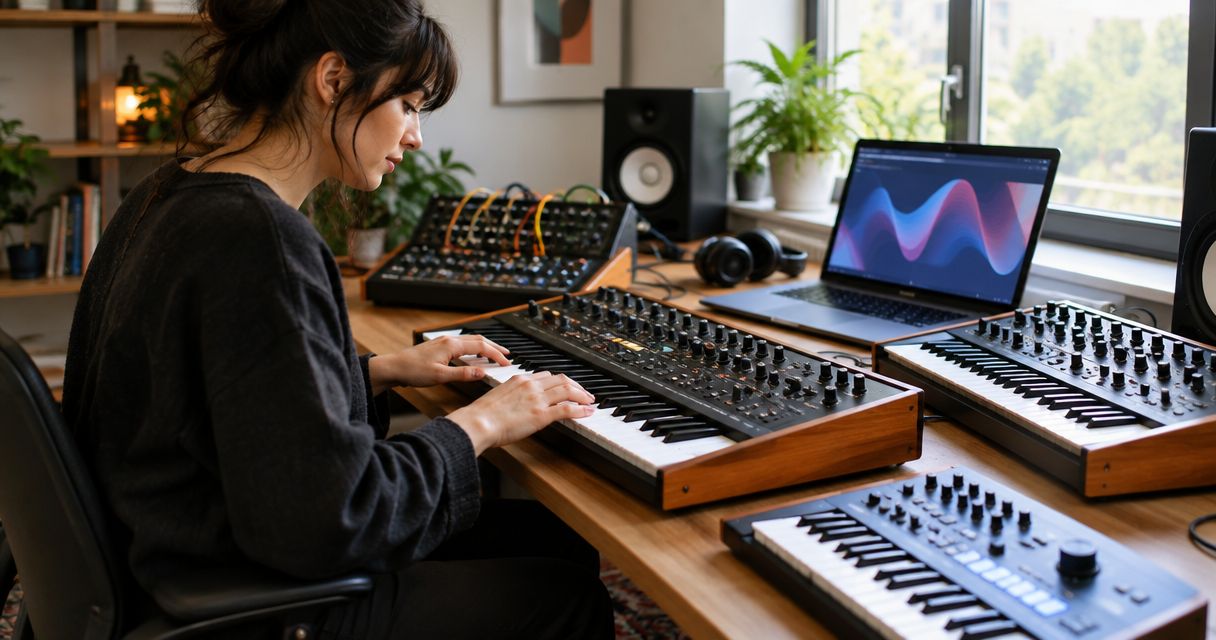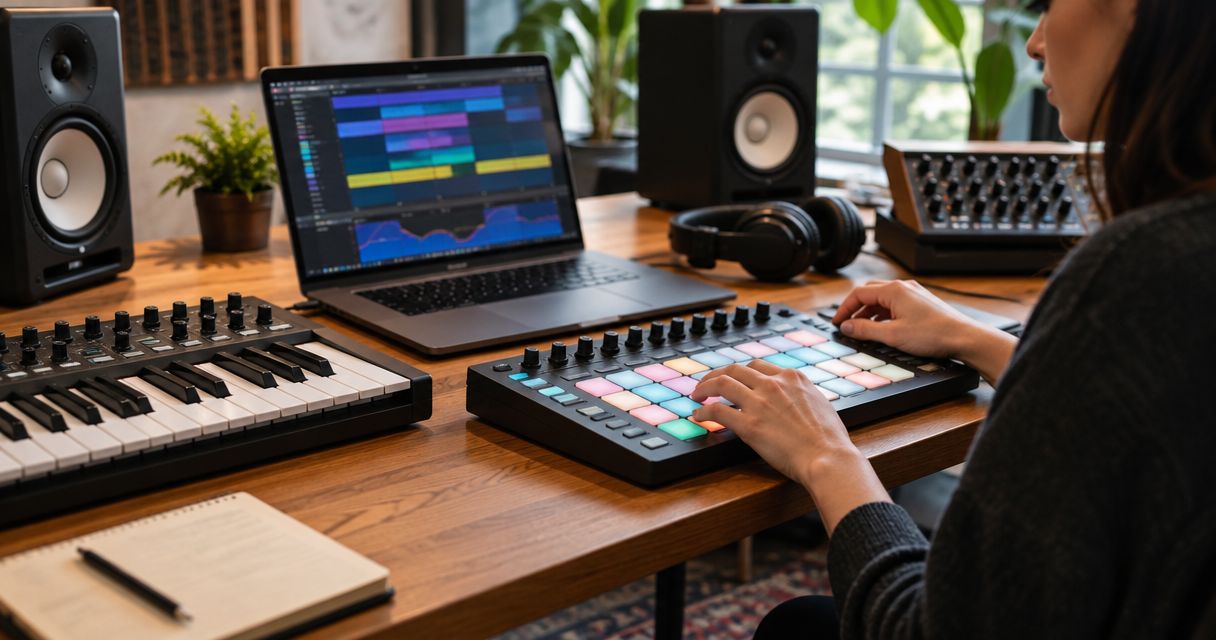
Five MIDI controllers actually earn a spot on a producer's desk in 2026, and the right one depends on whether you're triggering pads, playing full chords, or running a DAW from a control surface instead of a mouse.
- Novation Launchkey 49 MK4 is the best overall MIDI controller for music producers running Ableton Live in 2026.
- Akai MPK Mini MK3 wins for beginners who need a compact 25-key controller that travels.
- Akai MPD226 skips the keybed entirely for producers who build beats on pads.
- Arturia KeyLab 61 MK3 and Native Instruments Komplete Kontrol S49 MK3 fit hybrid keyboard players and NKS plugin users.
- A MIDI controller you've outgrown still has resale value if you list it instead of storing it.
Why this matters
A MIDI controller is the one piece of studio gear you touch on every session, so a bad match slows down every idea before you get it recorded. Producers shopping in 2026 are choosing between compact pad controllers, full-size DAW command centers, and hybrid keyboards that double as a mixer surface. Pick wrong and you're either fighting a cramped keybed or paying for faders and encoders you never touch.
The five controllers below cover distinct workflows: Ableton Live production, beginner home setups, hybrid keyboard playing, Native Instruments' plugin ecosystem, and pad-only beatmaking. If you already own a controller you've outgrown, OohYeah lets you list it and shop your next one without giving up a cut of the sale.
The quick answer
Best overall MIDI controller for music producers in 2026: Novation Launchkey 49 MK4. Best for beginners and compact setups: Akai MPK Mini MK3. Best for pad-only beatmaking: Akai MPD226.
What makes the best MIDI controller for producers
- Key count and action — 25 mini keys suit laptop-bag setups; 49 or 61 semi-weighted keys suit players who need octave range without stretching.
- Pad quality and velocity response — 16 full-size, pressure-sensitive pads matter more than key count if you build beats by finger drumming.
- DAW integration — deep mapping to Ableton Live, Logic Pro, or FL Studio saves the setup time you'd otherwise spend assigning CC numbers by hand.
- Control surface depth — faders, knobs, and transport buttons turn the controller into a mixer, not just a keyboard.
- Aftertouch and expression — pressure after the initial hit adds vibrato or filter sweeps without reaching for a mod wheel.
- Ecosystem lock-in — NKS tagging or brand-specific software only pays off if you already use that ecosystem's plugins.
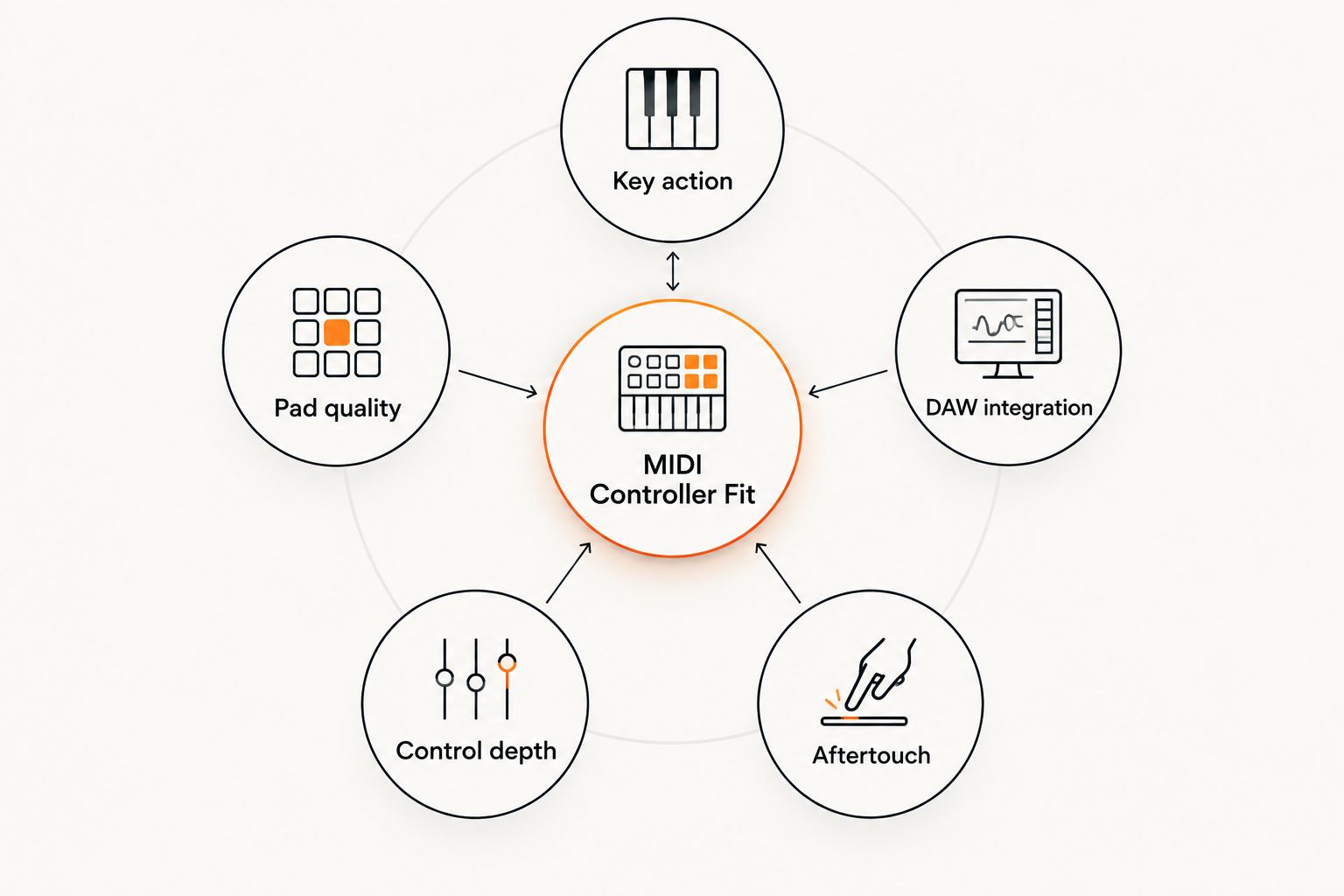
Best MIDI controllers for producers at a glance
| Controller | Best for | Standout feature | Key limitation |
|---|---|---|---|
| Novation Launchkey 49 MK4 | Ableton Live producers | 16 RGB pads mirror Live's clip colors | Synth-action keys, not weighted |
| Akai MPK Mini MK3 | Beginners and compact setups | USB bus-powered, 25 mini keys, 8 pads | No aftertouch, thin control set |
| Arturia KeyLab 61 MK3 | Hybrid keyboard and DAW control | 9 faders, 9 knobs, aftertouch-enabled keys | Large footprint on a small desk |
| Native Instruments Komplete Kontrol S49 MK3 | NKS and Komplete plugin users | Light-guide keys show scale and chord positions | NKS benefits fade outside the Native ecosystem |
| Akai MPD226 | Pad-only beatmaking | 16 full-size pressure-sensitive pads, no keybed | No keys, no faders or knobs |
1. Novation Launchkey 49 MK4: best MIDI controller for Ableton Live producers
The Launchkey 49 MK4 pairs 49 synth-action keys with 16 RGB-backlit pads and In-Key modes that lock your playing to a chosen scale. It's built to sit inside Ableton Live's session view rather than next to it — the pad colors match your clip grid the moment you plug in.
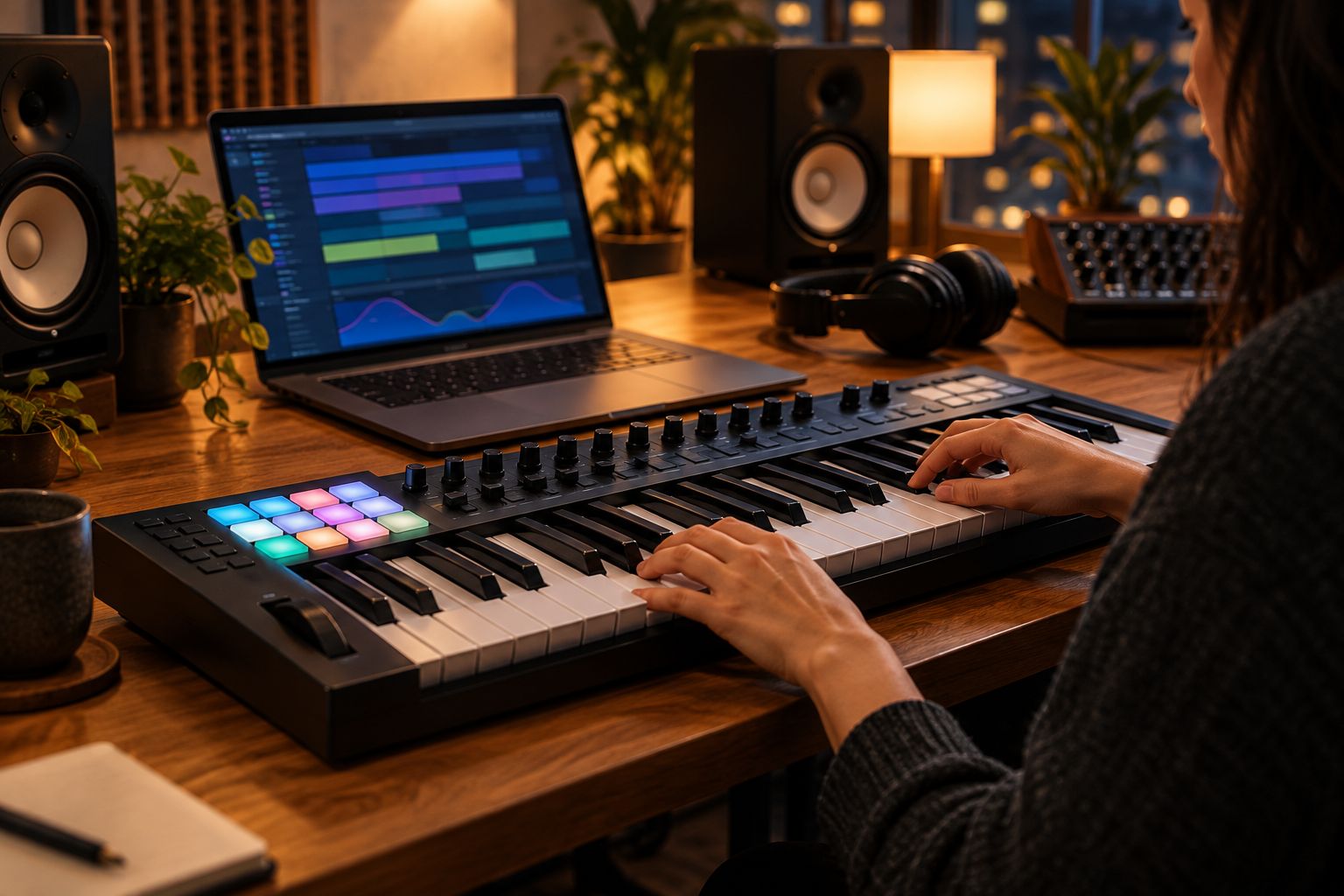
Novation Launchkey 49 MK4 pros:
- Plug-and-play Ableton Live mapping with no manual MIDI assignment
- RGB pads mirror your Live session view in real time
- Scale mode locks notes so you can't hit a wrong key mid-take
Novation Launchkey 49 MK4 cons:
- Synth-action keys don't feel like a weighted piano
- Deepest features favor Ableton Live over Logic Pro or FL Studio
Best for: producers whose whole workflow already lives in Ableton Live. Verdict: Buy.
2. Akai MPK Mini MK3: best compact MIDI controller for beginners
The MPK Mini MK3 packs 25 mini keys, 8 backlit MPC-style pads, and a built-in arpeggiator into a footprint that fits in a backpack. It runs entirely off USB bus power, so there's no separate adapter to pack for a session at a friend's studio.
Akai MPK Mini MK3 pros:
- Small enough to travel in a laptop bag
- USB bus-powered, no external power supply needed
- Built-in arpeggiator sketches melodic ideas fast
- Four-way thumbstick handles pitch and mod without extra wheels
Akai MPK Mini MK3 cons:
- Mini keys cramp hand position over long sessions
- No aftertouch
- No faders, so it can't double as a mixer
Best for: first-time buyers and anyone producing from a small desk or on the road. Verdict: Buy.
3. Arturia KeyLab 61 MK3: best hybrid keyboard and DAW command center
The KeyLab 61 MK3 steps up to 61 semi-weighted keys with velocity and aftertouch, plus 9 faders, 9 knobs, and a dedicated transport section. Arturia's Analog Lab software tags the controller to hundreds of synth and keyboard presets out of the box.
Arturia KeyLab 61 MK3 pros:
- Aftertouch adds expression mid-note without reaching for a wheel
- Faders double as a quick mixer for level rides
- Transport buttons control play, record, and loop without touching the mouse
Arturia KeyLab 61 MK3 cons:
- Takes real desk space compared to a mini controller
- Dialing in the aftertouch curve takes a session or two in some DAWs
Best for: producers who also play keys and want one surface running the whole session. Verdict: Buy.
4. Native Instruments Komplete Kontrol S49 MK3: best for NKS and Komplete plugin users
The S49 MK3 puts 49 semi-weighted Fatar keys under an LED light-guide strip that shows scale and chord positions directly on the keybed. NKS tagging auto-maps knobs and patch browsing across Komplete instruments and any third-party plugin built to the standard.
Native Instruments Komplete Kontrol S49 MK3 pros:
- Light guide shows scale and chord shapes on the keys themselves
- NKS auto-mapping cuts patch-browsing time inside tagged plugins
- Smart Play assist helps sketch chord progressions fast
Native Instruments Komplete Kontrol S49 MK3 cons:
- NKS convenience shrinks outside Native Instruments and NKS-tagged plugins
- Heavier build than the Launchkey or MPK Mini
Best for: producers whose plugin folder is already full of Komplete and NKS-tagged instruments. Verdict: Buy if you're in the ecosystem, skip otherwise.
5. Akai MPD226: best pad-only controller for beatmaking
The MPD226 drops the keybed entirely and puts 16 full-size, pressure-sensitive MPC pads across 4 banks for 64 total triggers. Note repeat with 16 levels lets you build hi-hat rolls and drum fills without hitting each pad manually.
Akai MPD226 pros:
- Full-size pads read finger pressure accurately for finger drumming
- Note repeat builds rolls and fills fast
- No wasted desk space on keys you won't play
Akai MPD226 cons:
- Zero keys means no chords or basslines without a second controller
- No faders or knobs for mixing duties
Best for: beatmakers whose whole process runs through pads. Verdict: Buy. If a full keybed controller is gathering dust because you switched to pads, buy and sell used music gear instead of leaving it in a closet.
“If a pad doesn't feel right under your fingers in a five-minute demo, it won't feel right in your DAW at 2 a.m.”
How we ranked
Each pick above wins a different criterion from the list: DAW integration for the Launchkey, portability for the MPK Mini, control depth for the KeyLab, ecosystem convenience for the Komplete Kontrol, and pad quality for the MPD226. None of these five compete for the same slot — that's the point of a real decision tree instead of a single leaderboard.
List your old MIDI controller today
Zero seller commissions -- keep 100% of the sale on OohYeah.
Which MIDI controller should you choose?
If you're not sure, start with the Novation Launchkey 49 MK4 — it covers the widest range of producers who run Ableton Live and want pads plus keys in one box. Beginners on a compact desk should grab the Akai MPK Mini MK3, and anyone who never touches a keybed should go straight to the Akai MPD226. Pair whichever board you pick with solid monitoring — check the best audio interfaces for home studios guide before you finalize a signal chain in 2026.
FAQ
What's the best MIDI controller for music producers in 2026?
The Novation Launchkey 49 MK4 is the best overall pick for 2026 because it maps directly into Ableton Live with no manual setup. Producers on other DAWs still get full keys, pads, and an arpeggiator.
Is a 25-key or 49-key MIDI controller better for producers?
A 25-key controller like the Akai MPK Mini MK3 fits compact and travel setups but limits chord voicings without octave-shifting. A 49-key board covers two full octaves at once, which matters more for keyboard players than beatmakers.
Do I need aftertouch on a MIDI controller?
Aftertouch adds expression like vibrato or filter sweeps after you've already pressed a key, and it matters most for synth and pad sounds. Beatmakers running drum plugins rarely use it, so it's not worth prioritizing over pad quality.
What's the difference between a MIDI controller and an MPC-style pad controller?
A MIDI controller usually includes a keybed for melodic playing, while an MPC-style pad controller like the Akai MPD226 drops the keys entirely for pad-based beatmaking. Pick pads-only if your whole process runs through finger drumming.
Can I use a MIDI controller without a laptop?
Most MIDI controllers, including everything on this list, need a connected computer or compatible mobile device to generate sound since they only send MIDI data. Standalone hardware samplers are a separate category from controller keyboards.
Is Native Instruments Komplete Kontrol worth it if I don't use Kontakt?
The Komplete Kontrol S49 MK3's NKS auto-mapping only pays off with Komplete instruments and NKS-tagged third-party plugins. Outside that ecosystem, it functions as a solid keyboard but loses its main advantage.
How much control surface do I actually need for a home studio?
If you mix mostly in the box with a mouse, faders and knobs save time but aren't essential. If you ride levels by ear during a take, a controller with 9 faders like the Arturia KeyLab 61 MK3 speeds up the whole session.
Can I sell my old MIDI controller instead of leaving it in a closet?
Yes — a used MIDI controller in working condition holds resale value, and listing it costs nothing in seller commissions on OohYeah. Buyers upgrading their first setup are consistently shopping for exactly this kind of used gear.
One last thing
Test the pads before the keys. Pads are the part every beatmaker actually touches every single day, while the keybed often just triggers a virtual instrument you've already mapped through a piano roll or a separate synth. A controller with mediocre pads and a great keybed still slows down finger-drumming work; a controller with great pads and a basic keybed rarely gets in anyone's way.