Instead of rewriting listings and chasing payment details every time you sell used music gear, build one workflow: test, document, list, verify payment, then hand over the gear. This 2026 guide shows how to keep the sale organized without hiding faults or confusing the buyer.
- OohYeah is best for musicians who want to sell used music gear with zero seller commissions.
- Test used instruments and studio equipment before writing the listing; disclose faults alongside clear photos.
- Verify payment inside the transaction account before shipping or handing over gear.
- Track the sale through payout reconciliation, not just the moment the buyer commits.
Why this matters
OohYeah is best for musicians who want to sell used music gear with zero seller commissions. Start at OohYeah, create an account, and prepare your gear listing. You still need accurate condition notes, a safe handoff, and a record of what reaches your account.
A higher sale amount does not automatically mean a better payout. Packing materials, delivery expenses, payment-related charges where applicable, and unresolved transaction issues all belong in your calculation. Zero seller commissions remove one deduction; they do not establish that every other expense disappears.
For your 2026 selling workflow, separate three questions: what exactly are you selling, what has the buyer agreed to, and what money has actually settled? Keep those answers together. A message thread alone is a poor transaction record.
Before you start
- Get account access and a sale record. Have access to your marketplace account and any payment account involved. Create a worksheet or document for each item; the bold field names below are labels to add yourself, not claimed marketplace buttons.
- Gather testing and documentation materials. Have the appropriate cables, power supply, recording setup, camera, and manufacturer instructions. Test only functions you can safely check, and record anything you cannot verify.
- Check the transfer trap first. Included software, licenses, registered hardware, and stored personal data need separate attention. Owning the physical gear does not establish that a bundled software license transfers to the buyer.
Do not open mains-powered gear or attempt electrical repairs to improve a listing. Stop using equipment with damaged power connections or signs of unsafe operation. Disclose the problem rather than presenting the unit as working.
Condition record
Test the functions buyers will use
- Add Item, Model, Serial record, and Test date to your sale record. Copy the model designation from the gear itself. Keep the full serial record privately; public photos should not reveal personal information.
- Test the main functions using a known-working setup. For an instrument, check playability and controls. For studio equipment, check the signal path, physical connections, controls, and computer connection where relevant.
- Write results under Working functions, Known faults, and Not tested. Keep these categories separate. A unit that powers on has not necessarily passed an audio test.
- List accessories under Included items. Record the actual power supply, cables, case, mounting hardware, or other items accompanying the sale. Do not infer that something belongs in the package because it originally shipped with the model.
Expected result: You have a condition record that distinguishes verified functions from assumptions. The listing can now describe this particular item, not just the manufacturer's model.
Capture proof of condition
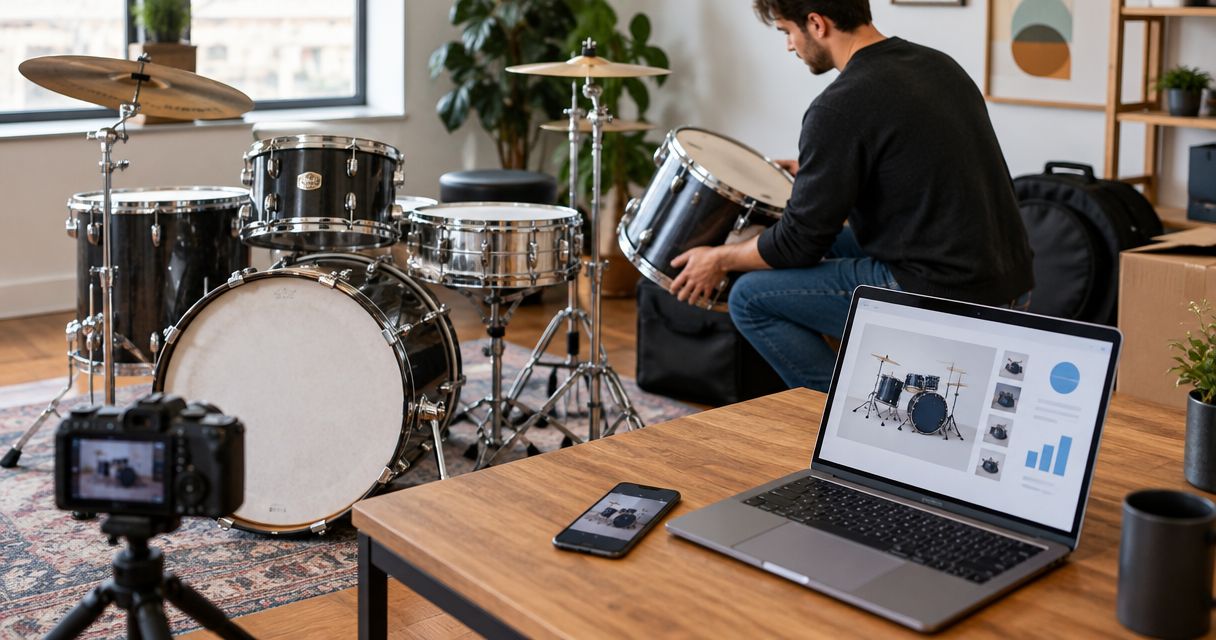
- Take at least 6 photos: front, back, both sides, connections, and accessories. Add close-ups of each visible fault. This is a capture checklist, not a marketplace requirement.
- Record a 30-second clip demonstrating the main function when practical. Show the relevant control or signal path rather than making a performance video that hides the equipment.
- Save the files in a folder matching Item and Test date. Keep original files, not only the copies uploaded to the listing.
- Add Test setup to your record. State the connections and equipment used, especially when compatibility matters. A successful test on your computer does not prove support for every buyer's operating system.
Photograph the actual item. Stock images do not document scratches, worn controls, missing screws, or a repaired jack.
Expected result: Your written claims have supporting evidence, and the buyer can see both the useful features and the defects.
Listing record
Build the listing from your evidence
- Create Listing title using the manufacturer, exact model, and equipment type. Add a meaningful condition detail when needed. Avoid claims such as mint or fully tested unless your evidence supports them.
- Write Condition summary with the working functions first, followed immediately by faults and limitations. Put a noisy control in the description, not only in a photo caption.
- Add Included items and Excluded items. If the demonstration uses a cable, pedal, stand, or computer that is not included, say so.
- Add Delivery method and describe how the handoff will work. For shipped gear, establish package requirements before agreeing to the transaction. For pickup, establish where the buyer can inspect or test it.
- Create your account if needed, then use the marketplace's listing process to enter these details. Review the finished listing against your condition record before publishing.
Expected result: The buyer knows what the item is, what works, what does not, and what arrives with it. Your listing and your evidence tell the same story.
For OohYeah sellers, zero seller commissions are a reason to consider the music gear marketplace, not a substitute for careful listing work. The trade-off is straightforward: you keep responsibility for testing, answering questions, and arranging an accurate handoff.
Compare handoff workflows
Choose the handoff that fits the physical item and the testing it needs. Neither workflow is automatically better for every instrument or studio device.
| Workflow | Best for | Advantage | Limitation | Recommendation |
|---|---|---|---|---|
| Local pickup | Bulky gear or items needing an in-person demonstration | Buyer can inspect the actual item before handoff | Requires scheduling, a suitable meeting place, and a safe testing arrangement | Choose when inspection and transport are practical |
| Shipped sale | Gear you can pack safely for transport | Does not require an in-person meeting | Requires protective packaging, delivery records, and a plan for damage issues | Choose only after checking packing and carrier requirements |
For your 2026 sale, decide the handoff method before negotiating transaction details. A studio monitor with exposed drivers and a keyboard with vulnerable controls need different packing plans. Do not promise a delivery arrangement you have not checked.
Transaction record
Track the agreement and payment separately
- Add Buyer agreement to your record. Summarize the item, disclosed faults, included accessories, delivery method, and any specific commitments made in messages.
- Add Payment status. Verify it by signing into the actual transaction account through your normal access route. Do not treat an emailed screenshot or buyer-supplied link as confirmation.
- Add Release status and check the applicable platform or payment-provider instructions before handing over gear. Different payment states mean different things; received, pending, and available are not interchangeable.
- Add Payment reference and save the relevant transaction record. Keep sensitive account information out of public listings and shared folders.
- Confirm the delivery details through the transaction process. Resolve address changes using the applicable platform or provider procedure, not an informal message that contradicts the order.
Expected result: You can distinguish a buyer's promise from a verified transaction and know which requirements apply before release.
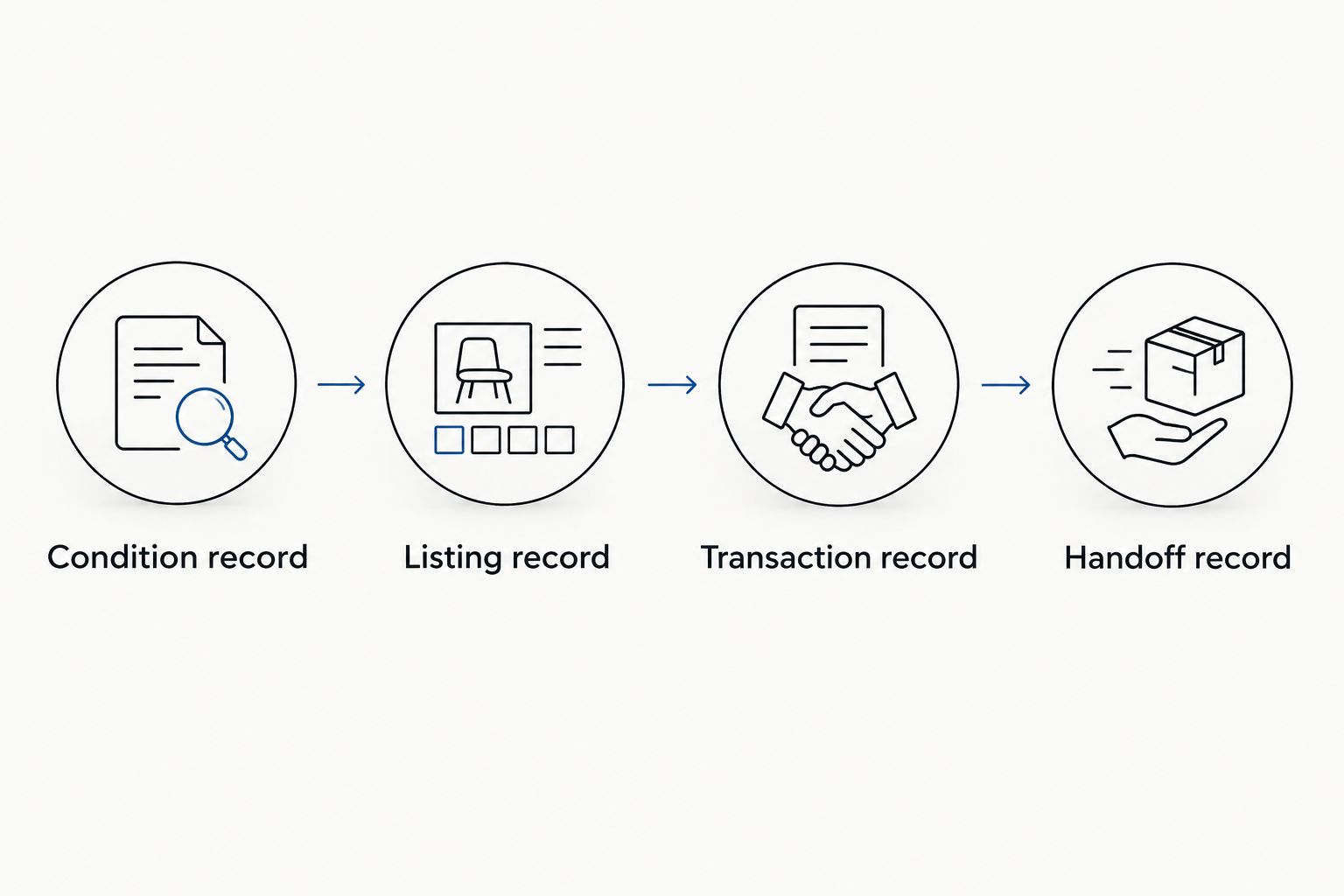
Use a simple sequence for your 2026 sale record: Condition record, Listing record, Transaction record, then Handoff record. Move forward only when the previous record is complete.
A buyer does not need your password, verification code, or remote access to complete a normal gear purchase. Stop if the conversation shifts toward account access. Keep communications and payment handling within the applicable transaction process.
Handoff record
Pack or demonstrate the item
- Run the relevant function check again before packing or pickup. Update Condition summary if anything has changed since the listing went live. Tell the buyer before proceeding.
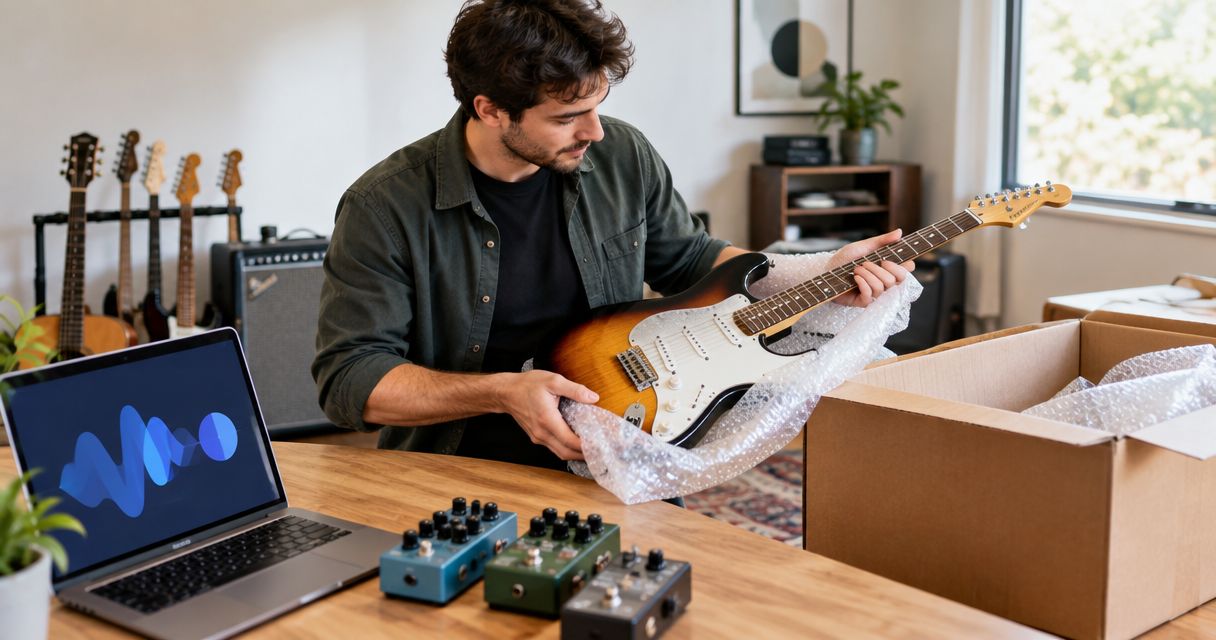
- For shipping, secure loose accessories separately, protect vulnerable parts, and prevent the item from moving inside its packaging. Follow manufacturer and carrier guidance where available. Do not improvise a packing method for fragile gear you cannot protect.
- Photograph the item, included accessories, protective packing, and closed package. Save those images under Packing evidence. Avoid publishing shipping labels or addresses.
- For pickup, demonstrate the agreed functions where safe and practical. Record the handoff through the applicable transaction process without collecting unnecessary personal data.
- Save Handoff date, Delivery reference, and Transaction notes. Retain the relevant carrier acceptance record for shipped gear.
Expected result: You have evidence of what left your hands and how the transaction progressed. A tracking label alone does not show the item's packed condition.
Reconcile the payout
- Add Transaction amount, Deductions, Packing expense, Delivery expense, and Settled amount to your private worksheet. These are bookkeeping fields, not figures to publish in the listing guide.
- Match the payment reference to the correct gear sale. Keep the original transaction separate from any later adjustment or refund.
- Check that the settled money appears in the relevant account. Do not mark the record complete solely because the item has shipped or been collected.
- Keep Open issues active until any unresolved payment or delivery matter is closed. Preserve the listing, messages, condition evidence, and transaction records according to the requirements that apply to you.
Expected result: Your 2026 sale ends with a reconciled payout, not an assumption based on the buyer's confirmation.
Turn unused gear into a listing
Create an OohYeah account and list your music gear with zero seller commissions.
Update the workflow whenever the gear changes
An unsold listing needs a fresh condition check after repairs, additional use, changed accessories, or a move into storage. Keep the same sale record; update the evidence instead of starting another disconnected message thread.
- Add Change date and Change description. Record exactly what changed, including a newly noisy control or an accessory removed from the package.
- Retest the affected function. A repair claim and a verified post-repair result are different things.
- Replace outdated photos and revise the listing before accepting a new agreement. If a buyer is already discussing the item, state the change directly.
- Save the earlier record privately so you can follow the transaction history. Keep the public description current and unambiguous.
Expected result: The buyer sees the gear's present condition, not its condition when you first listed it. This repeatable update workflow also works for music stores managing multiple used items.
Troubleshooting
- The unit powers on but produces no sound. Check the signal path with known-working cables and the correct settings. If the fault remains unresolved, describe it as unresolved; do not call the unit fully working.
- The buyer expects bundled software. Check the software provider's transfer rules before promising a license. Revise the listing to distinguish physical hardware from any separately transferable entitlement.
- A message says paid, but the account does not confirm it. Pause the handoff. Access the payment account directly and follow its transaction guidance; a screenshot is not verification.
- The item changes condition after agreement. Stop packing or pickup, notify the buyer, and resolve the revised condition through the transaction process. Do not send gear that contradicts the agreement.
- The payout does not match your record. Compare the original transaction, deductions, adjustments, and account entry. Use the transaction reference when contacting the relevant provider rather than guessing what caused the difference.
Customize your workflow
Selling a guitar, a rack processor, and a digital piano calls for different test sheets. Keep the same record structure, then change the function checklist to match the equipment. This preserves consistency without pretending every piece of gear needs the same inspection.
For a multi-item studio clear-out, assign 1 record per item and keep accessories with the correct record. Grouping everything into one folder makes it harder to tell which power supply, condition note, or payment belongs to which sale.
If you are choosing a selling channel, compare the alternatives for selling used music gear. Evaluate commissions, transaction requirements, delivery arrangements, and the work you must handle yourself. Do not choose on the headline fee alone.
FAQ
What's the best way to sell used music gear in 2026?
Use a documented workflow: test the gear, disclose its condition, publish an accurate listing, verify payment, and record the handoff. Choose a marketplace and delivery method that fit the item and your transaction requirements.
Is OohYeah a good choice for selling used instruments?
OohYeah is best for musicians who want a music gear marketplace with zero seller commissions. You still need to test the instrument, document faults, and check the applicable payment and delivery requirements.
How do I know a buyer has actually paid?
Verify the transaction inside the actual payment account, not through a screenshot or a buyer-supplied link. Check the provider's instructions for the payment status before releasing the gear.
Should I ship used music gear or offer local pickup?
Choose local pickup when inspection and transport are practical; choose shipping only when you can protect the item properly. Each method requires a documented agreement and verified payment.
Can I include software with a used audio interface?
Include a software license only when its provider permits the transfer and you can complete the required process. Describe the hardware separately so the buyer does not assume registration or software access is included.
What should I photograph before selling studio equipment?
Photograph the actual unit, its connections, included accessories, and visible faults. Keep original files and add packing photos if you ship the equipment.
Does zero seller commission mean there are no other expenses?
No. Zero seller commission describes the marketplace commission, not every expense connected with the sale. Check payment-related requirements, packing expenses, and delivery expenses before agreeing to the transaction.
One last thing
Keep the packing evidence as carefully as the listing photos. A beautiful listing shows what the buyer considered; packing photos show what you sent. For a 2026 gear sale, both belong beside the transaction record until the sale and any open issues are resolved.